小工具一鍵關閉 Win8 工作列半透明效果
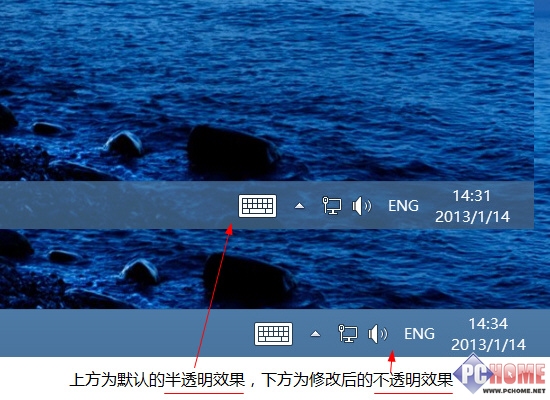
Win8 工作列預設半透明,若偏好不透明風格,可使用免安裝小工具 Disable Taskbar Transparency。
使用方式
- 下載解壓,雙擊執行
DisableTaskbarTransparency.exe。
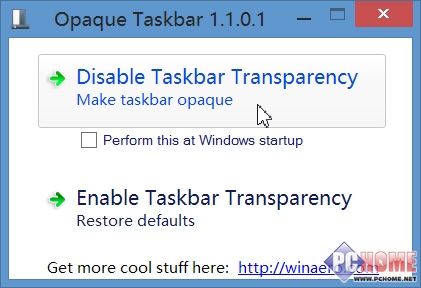
- 點選「Disable Taskbar Transparency」按鈕,工作列立即變不透明,無需重開機。
- 勾選「Perform this at Windows startup」可在每次開機自動套用 (工具不常駐記憶體,不佔資源)。
- 若要恢復半透明,點選「Enable Taskbar Transparency」或取消開機自動執行後重開機。
原理: 工具不修改登錄,僅動態調整 DWM 視覺效果,關機後失效,故需開機自動執行以維持。