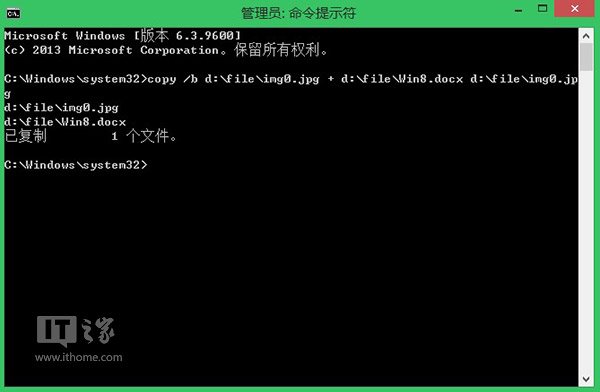
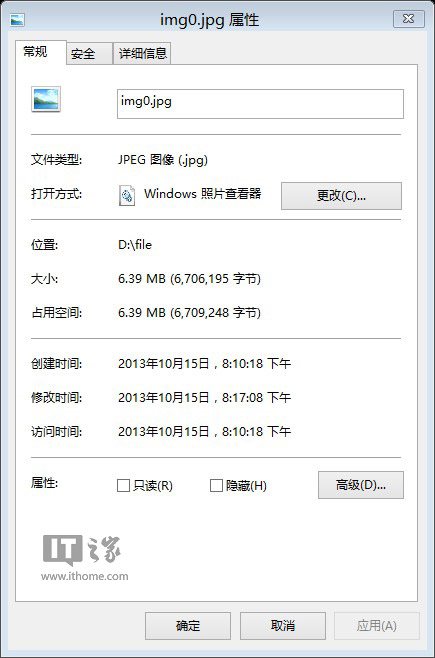
利用 copy /b 二進位合併指令,可將機密文件(如 Word、Excel、PPT)完整隱藏於普通 JPG 圖片中,外觀與大小僅微增,極難察覺。
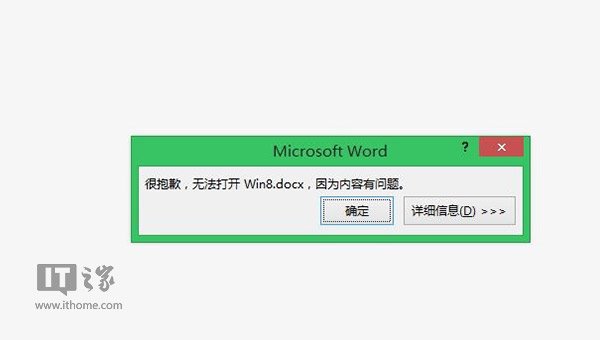
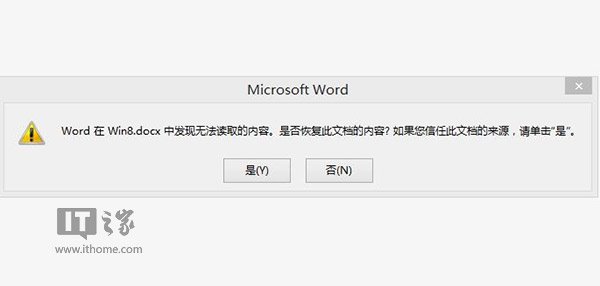
D:\file\Secret.docx 至 D:\file\img0.jpgcopy /b D:\file\img0.jpg + D:\file\Secret.docx D:\file\img0.jpgSecret.docx。img0.jpg 更名為 Secret.docx(忽略損毀警告),即可正常開啟。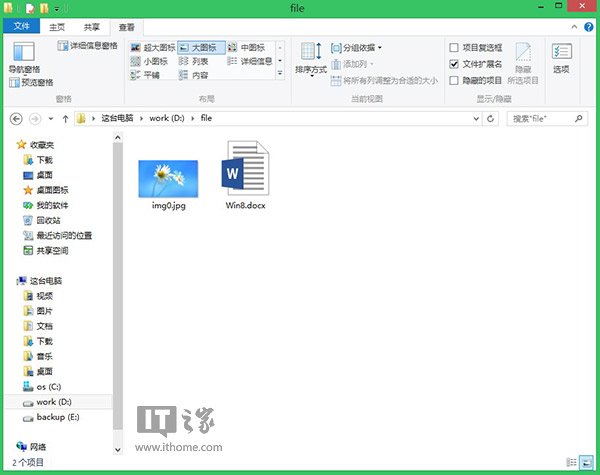
此法適用於多種文件格式,是無需第三方工具的簡易隱寫術。
Win8 查詢 CPU 與顯卡配置:系統屬性 + 裝置管理員兩步驟
Windows 8 全域搜尋完整設定指南:Charms 列喚出、三大分類 (應用/設定/檔案)、應用級搜尋契約、啟用應用清單
Windows 8 一鍵影音模式調節指南:模式指示列隱藏屬正常,透過按鈕/通知區圖示切換四種模式
Windows 8.1 「這台電腦」分組顯示儲存裝置:依檔案系統分類讓 USB/光碟/本地磁碟分區分開
Win8.1 系統提示音無法自訂?修改登錄檔 ExcludeFromCPL 恢復設定
Windows 8 開機 USB 隨身碟製作工具 Win8USB 使用教學
Windows 8 Metro 界面 IE10 体验:无 Flash、无网银插件、HTML5 视频尚不普及,桌面版 IE10 成刚需