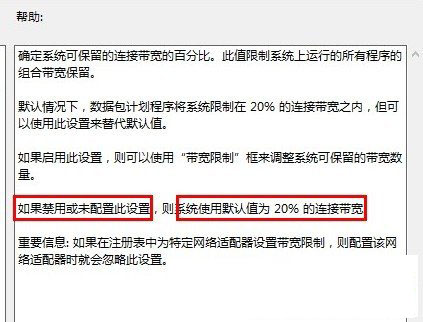
Windows 8 預設 QoS 封包排程器保留 80% 頻寬(Win 7 僅 20%),導致實際網速大幅下降。關閉此限制可明顯提升開網頁速度。
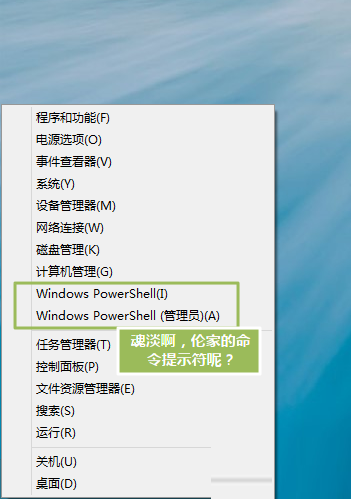
gpedit.msc
電腦設定 → 系統管理範本 → 網路 → QoS 封包排程器 → 限制可保留頻寬
0
注意:此設定限制網卡速率,若網路環境本身瓶頸在 ISP 或路由器,調整效果有限。千兆網路需千兆路由器支援。
微軟確認:Windows 8 大幅強化硬碟故障偵測與修復能力
Win8.1 Update 英文版 MSDN 鏡像改中文介面:線上下載語言包完整教學
Win8 IE 瀏覽器自動彈出網頁?修改 iexplore.exe 安全性權限「拒絕」當前使用者執行阻擋惡意喚起
Win8 降級 Win7 官方授權教學:僅限 Win8 專業版、需備份驅動、電話啟動取得降級碼
升級 Win8.1 出現「安裝無法完成」?wsreset 清除商店快取重試
Win8 啟用 802.1X 網路驗證完整教學:強化有線/無線安全
Win8 應用程式安裝與解除安裝完整教學,應用商店輕鬆管理
Windows 8 啟用觸控鍵盤標準版面:找回 ESC、方向鍵、功能鍵完整指南