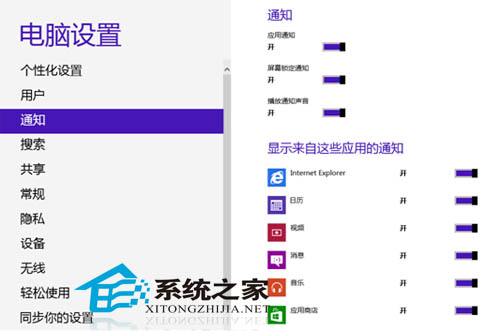
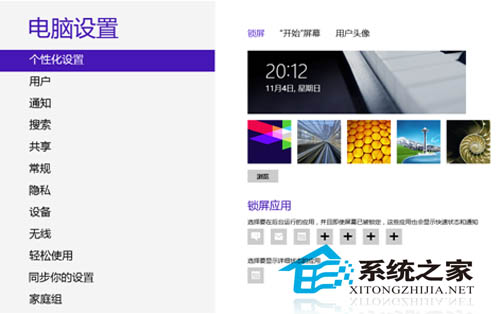
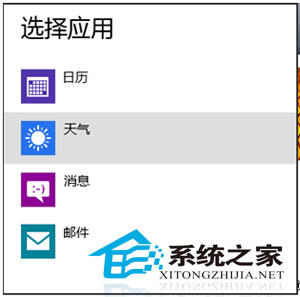
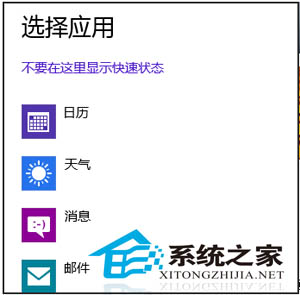
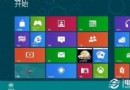
Win8 允許在鎖定畫面顯示特定應用程式通知(如郵件、行事曆、天氣),其他應用通知僅在解鎖後顯示,兼顧隱私與即時資訊。
設定簡單且極具個人化,適應現代多裝置使用習慣。
Win8.1 Modern 版 IE 閃退/無法開啟?四大策略恢復 IE 為預設瀏覽器修復
解析 Win 8 OA 3.0 啟用機制:OEM 預裝啟用流程與防破解設計
使用磁方優化大師設定 Windows 8 護眼色 (綠豆沙背景)
將 Windows 8 安裝至 USB 行動硬碟/隨身碟 打造攜帶型系統
Win8 看圖泛黃怎麼辦?色彩管理還原 sRGB 設定檔即刻解決
Windows 8 關閉刪除確認對話框,直接送入資源回收筒
Windows 8 或將成為雲端運算作業系統:脫離硬體限制的未來願景
Windows 8 進階操作技巧大全(三):資源管理器增強、ISO 掛載、檔案複製改進、新進程視窗、重啟總管、虛擬機相容、效能排查、修復系統