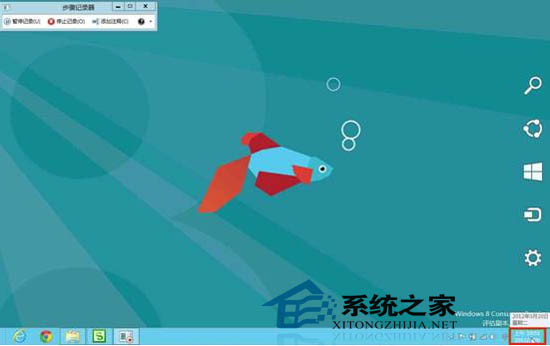
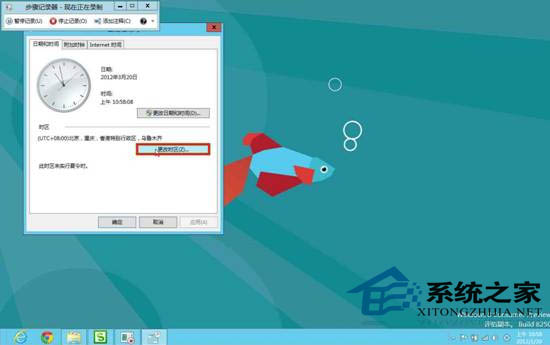
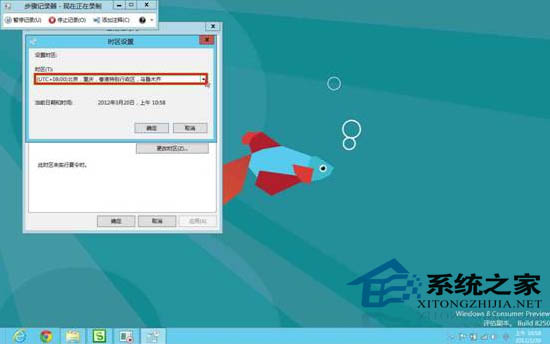
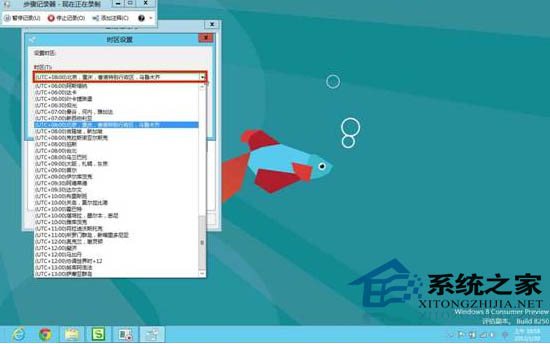
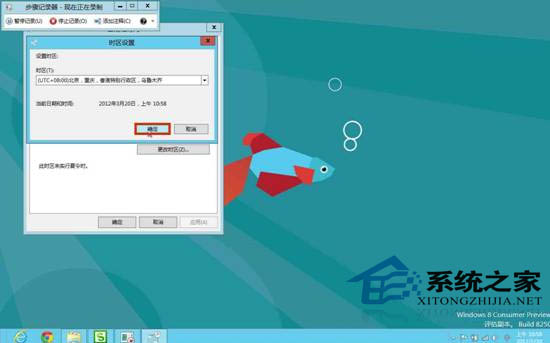
跨時區移動時,無需手動調整時間,僅在「日期和時間」設定變更時區,系統即自動依新時區修正時間。
長期跨國工作者必學,避免時間混淆影響行程。
Windows 8 難撼動平板格局:蘋果生態鏈強大、應用數量懸殊、廠商觀望
安裝 Windows 8.1 時跳過「正在安裝應用程式」漫長等待
Win8 螢幕閃爍/漂浮怎麼辦?調整重新整理率解決
深度解析 Windows 8 全新工作管理員:7 大開啟方式、簡易/詳細模式、7 個資訊分頁
Windows 8 无线网络共享全攻略:手把手教你建立虚拟热点
Windows 8.1 啟用「滑動關機」:像手機一樣拖曳關機
Windows To Go 製作 U 盤版 Windows 8 攜帶系統:ISO 提取、磁碟設為作用中、安裝工具部署
Windows 8 更新無線網卡驅動程式解決頻繁斷線:裝置管理員 → 網路介面卡 → 更新驅動程式