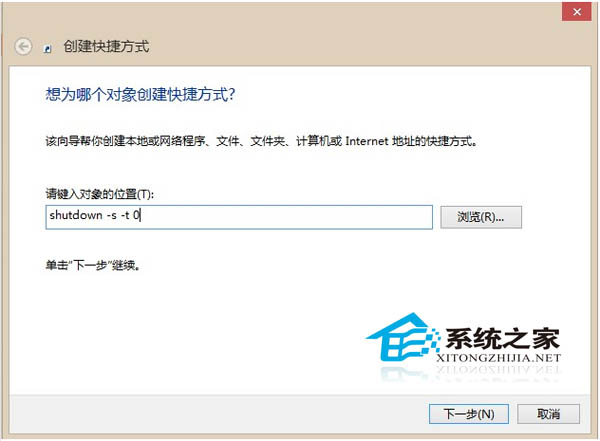
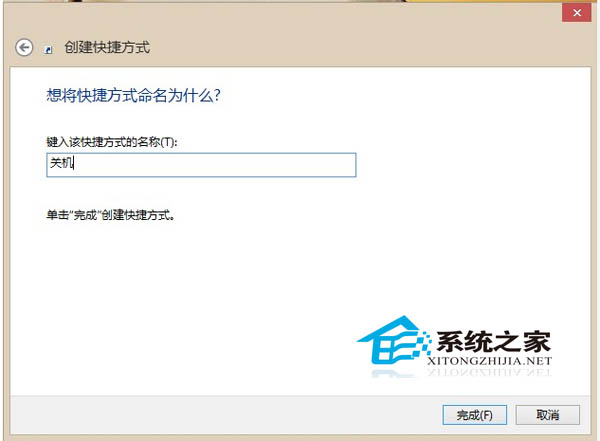
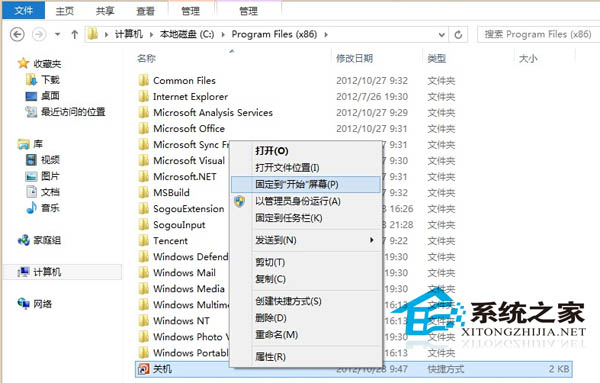
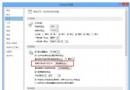
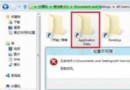
Win8 移除傳統開始按鈕,關機需多步驟。在桌面建立關機捷徑並釘選到開始畫面,即可實現一鍵關機。
shutdown -s -t 0
開始畫面即出現「關機」磚,點一下即關機。Win8 睡眠耗電極低、喚醒極快,習慣關機者可用此法。
Windows 8 天氣應用切換攝氏度 3 步驟完成
Win 8.1 Update 禁用 OneDrive 同步服務:應用程式設定與群組原則雙重封鎖
Windows 8 啟用觸控鍵盤標準版面:找回 ESC、方向鍵、功能鍵完整指南
Win8 啟用內建 Administrator 超級管理員帳戶:命令列一鍵激活
Windows 8 輕鬆掌握資料夾選項與程式庫:自訂瀏覽習慣、建立跨磁碟快速存取入口
Win8 開機自動撥號寬帶連線:建立捷徑置入「啟動」資料夾圖文教學
Windows 8 下 QQ 假死/無響應解決方案:關閉透明特效即可修復
Win8 wermgr.exe 應用程式錯誤 (0x801d8ed0) 解決方案:罪魁禍首是搜狗輸入法