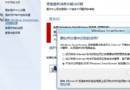
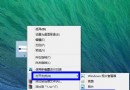
長時間面對螢幕易眼乾疲勞,將系統視窗背景色改為護眼綠 (RGB 204,232,207) 可有效緩解。
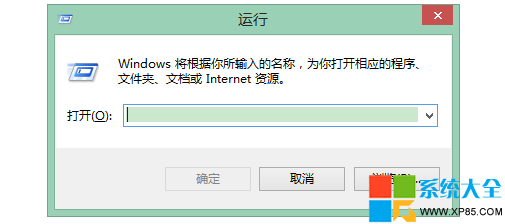
regedit
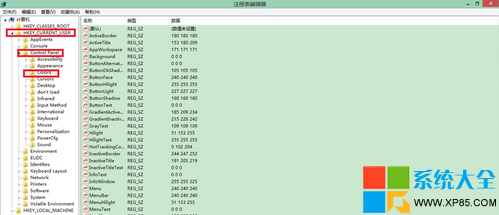
HKEY_CURRENT_USER\Control Panel\Colors
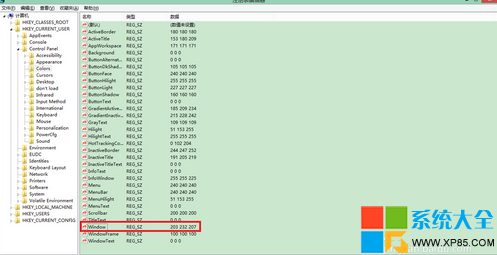
Window
204 232 207
安裝「護眼衛士」等護眼軟體,提供多種護眼模式、定時提醒休息、色溫自動調節等進階功能。
Win8 啟用 802.1X 網路驗證教學:有線/無線企業級安全連線
Windows 8.1 設定護眼色教學:一鍵護眼模式減少藍光傷害
Windows 8 安全防護清單:七大內建機制守護電腦
Windows 8 AppLocker 應用程式控制策略教程:限制特定軟體運行(如禁用 Notes)
Windows 8.1 開始畫面應用快速篩選:依安裝日期、使用頻率、類別排序
Windows 8 任務排程器實現定時啟動程式:建立基本工作、設定觸發時間、指定啟動程式(以 QQ 為例)
為光碟機新增「關閉」右鍵選單:VBScript 實作完整教學
Win8 桌面版 IE10 無法開啟 QQ 空間?切換瀏覽器模式至 IE9 相容檢視即可解決