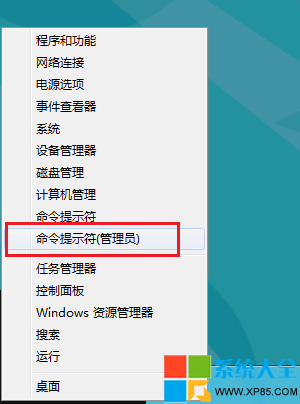
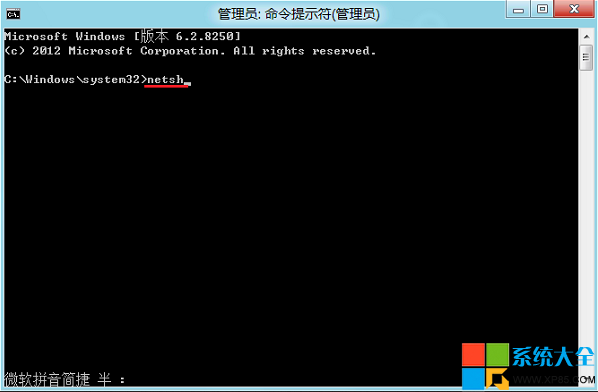
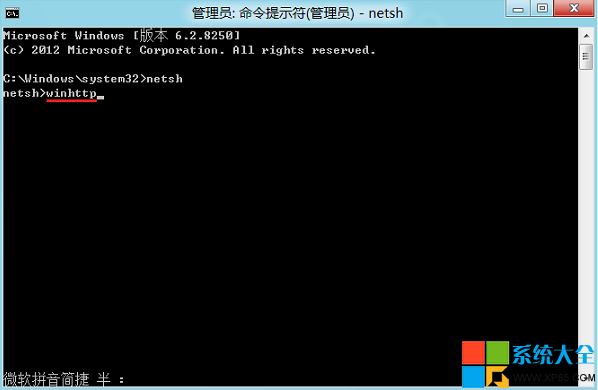
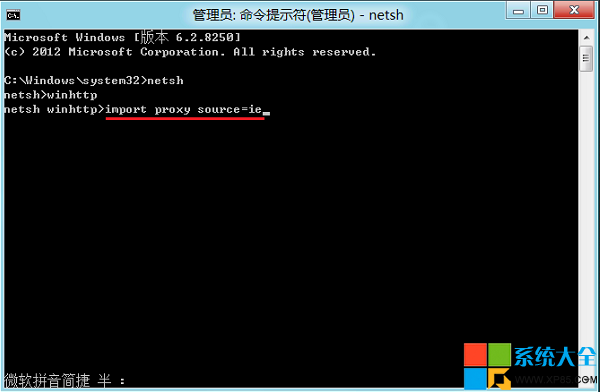
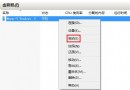
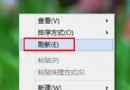
應用商店提示「無法連接網絡」。
netsh
winhttp
import proxy source=ie
Windows 8 將能運行 WP 應用的證據?程式碼再現相容性開關
Win8.1 將應用商店釘選到工作列:兩種方法快速存取
Win8.1 無線列印機新增失敗 0x0000057?兩大方案:更新驅動/手動建立本地連接埠指定 IP
Win 8 安裝更新後切換視窗變慢 卸載 KB3033889 即可解決
Win8 替換系統文件工具 SysMate System File Walker 使用指南
Win8 滑鼠右鍵「新增」選項消失?修改登錄檔 ContextMenuHandlers 恢復
Windows 8 推動觸控顯示器普及:多點觸控液晶產品匯總推薦
Win8 開機錯誤 C0000034 卡在套用更新?最後一次正確配置與重裝修復