Windows 8 升級 Windows 8.1 時出現錯誤 0x80004003。
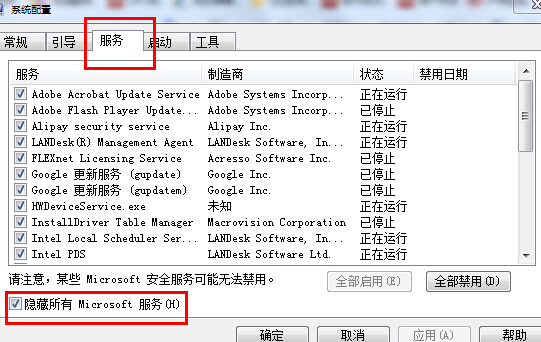
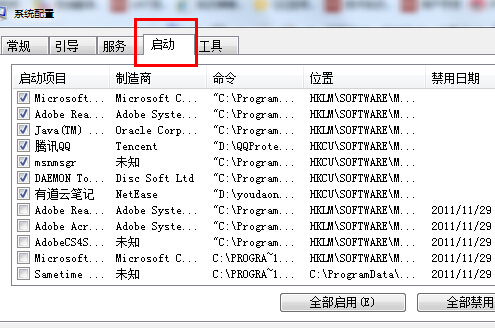
通常由第三方應用程序引起,需禁用非微軟服務與啟動項(即執行「乾淨啟動」)。
msconfig 回車。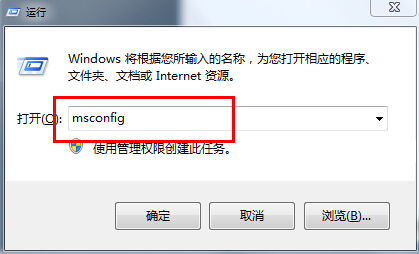
Win8 Beta 新版探秘:控制台更名「電腦設定」、我的電腦更名「電腦」、應用商店中文化細節調整
Win8 開機提示「系統資源不足 無法完成 API」?四階段修復:正確配置→系統還原→命令提示還原→SFC 修復
Windows 8 透過裝置管理員停用 HID 相容裝置,關閉觸控螢幕功能
消息指微軟 2012 年 4 月發布所有 Windows 8 版本 RTM
Windows 8 必學快速鍵:Win+D 秒回桌面、Win+C 呼叫 Charms、Win+PrtSc 自動存圖、Alt+F4 關機
Win8 預裝系統產品密鑰一鍵查看:PowerShell 單條命令搞定