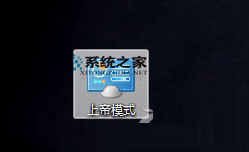
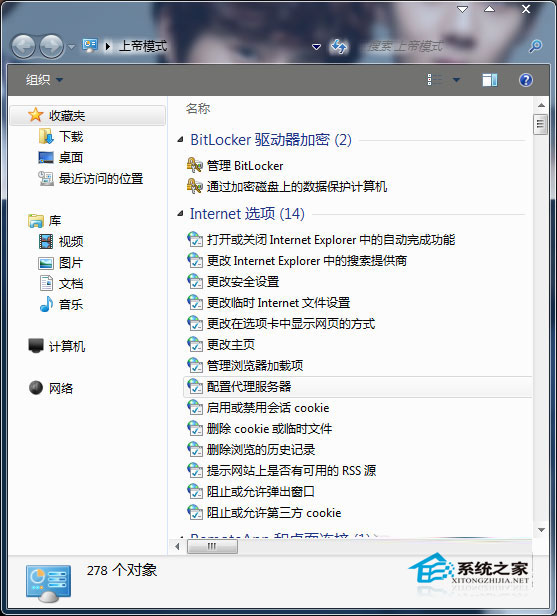
「上帝模式」實為一個特殊資料夾,展開所有控制面板項目 (超過 250 項),集中管理系統設定。Win8 與 Win7 建立方式相同。
上帝模式.{ED7BA470-8E54-465E-825C-99712043E01C}
此為隱藏功能,非官方支援,但廣為高階使用者使用。刪除該資料夾即可移除,不影響系統。
使用 USB 隨身碟安裝 Windows 8 雙系統完整教學
Windows 8 禁止開始畫面顯示最近使用的應用程式與檔案
微軟展示 Windows 8 新功能:檔案傳輸可暫停/續傳、即時速率圖表、智慧重複檔案處理
Windows 8.1 將「電腦」更名為「此電腦」:開始按鈕回歸與介面微調細節
Windows 8 Pre-RTM Metro UI 截圖洩漏:徹底去 Aero Glass 扁平化現代風格
Windows 8 IE10 無法啟動?註冊表權限繼承修復法
Windows 8 專業版優惠升級方案 6 月 2 日啟動,購買 Win 7 PC 仅需 14.99 美元升級
解決 Win8 系統下 USB 隨身碟格式化失敗的完整指南