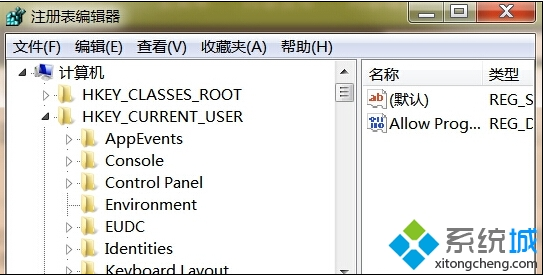
Chrome 在 Win8 上頻繁彈出「網頁崩潰」、「Aw, Snap!」錯誤,主因註冊表遺留損壞的 Google 設定項。刪除對應鍵值重啟瀏覽器即可恢復。
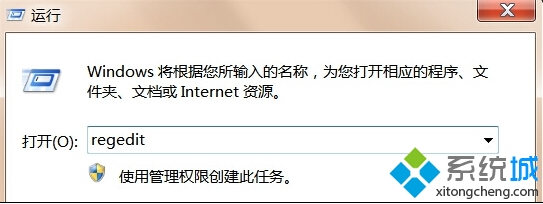
regedit
google
若問題持續,建議完全解除安裝 Chrome,刪除 %LOCALAPPDATA%\Google\Chrome\User Data 後重新安裝最新版。
%LOCALAPPDATA%\Google\Chrome\User Data
Windows 8 駕到,微軟悄然清場 Microsoft Reader:12 歲電子書先驅退場鋪路新生態
Win8 開啟刪除確認對話框,防止誤刪重要檔案
Windows 8 系統還原快速排除故障:操作中心 → 復原 → 系統還原三步驟回溯時間
Windows 8 開啟 Hyper-V 建立虛擬機完整圖文教學:系統需求、啟用步驟、虛擬交換機、安裝作業系統
Windows 8 下 QQ 假死/無響應解決方案:關閉透明特效即可修復
Windows 8 使用「優化磁碟機」進行磁碟碎片整理與排程設定教學
Windows 8 ReadyBoost 使用教學:USB 隨身碟當作快取加速、專用/共用模式、空間設定、取消方法
Windows 8 重裝保留啟用狀態全攻略:reagentc 配置自訂恢復映像,一鍵重置不丟失授權