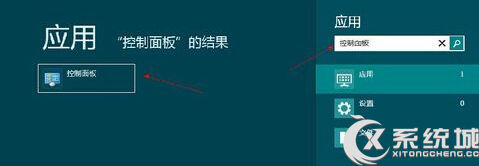
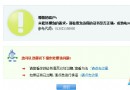
Win 8 作業中心圖示出現紅叉,關閉提醒:
紅叉即刻消失,系統不再彈出對應警告。
Windows 8 調整螢幕亮度與對比度四大法:快捷鍵、設定、NVIDIA 控制台、螢幕實體鍵
Windows Store 應用程式上傳流程指南:開發者中心提交、定價、分級、認證與儲存進度
Windows 8 相容防毒軟體查詢指南:微軟相容性中心官方清單
Win8 驅動程式強制簽名解決方案大全
Win8 「運行」在哪?Win+R 通用大法 + 右鍵開始按鈕雙路徑
Windows 8 RP 版入门指南:开始屏幕、应用管理、控制面板、Media Center、DVD 播放、关机六大核心操作详解
Win8 系統還原設定教學:啟用/停用、調整最大磁碟使用量
Win8系統C盤無法重命名?教你通過註冊表輕松解決