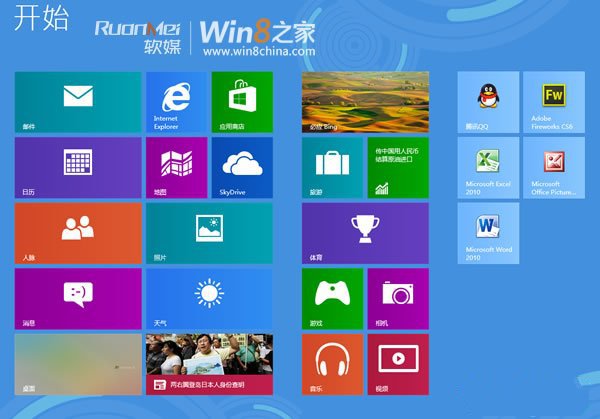
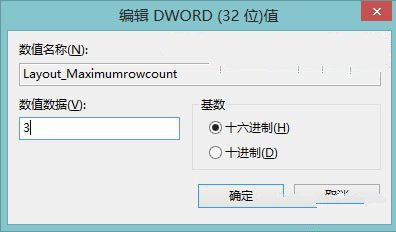
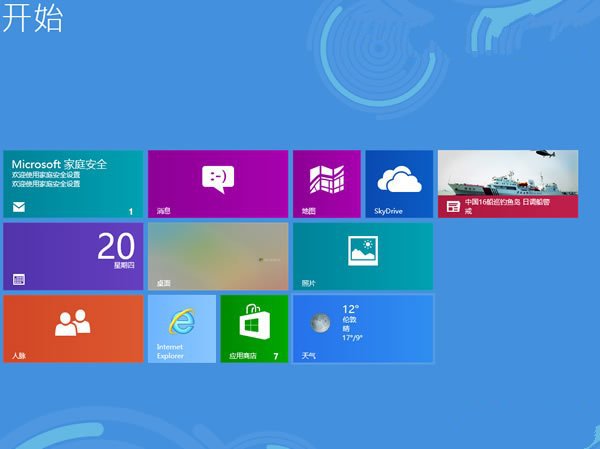
解析度達 1920x1200 以上時,預設磚列數過少。可修改登錄檔自訂列數:
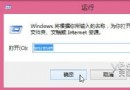
regedit
HKEY_CURRENT_USER\Software\Microsoft\Windows\CurrentVersion\ImmersiveShell\Grid
Layout_MaximumRowCount
備註:32/64 位皆用 DWORD;各解析度有最大/最小列數限制,請參考螢幕規格設定。
Windows 8 切換主題時鎖定桌面圖示與滑鼠指標,防止隨主題變更
Windows 8 設定免密碼自動登入(netplwiz 法)
開啟 Win 8 隱藏功能:修改登錄啟用 Ribbon 探索器、畫圖新介面、攝像頭應用等實驗性特性
老外最愛的 10 款 Win 8 應用程式:割繩子、IM+、Kindle、OneNote 等
微軟優先向 OEM 與 TAP 夥伴提供 Windows 8 RP Build 8400 下載
系統未推送 Win8.1 更新?手動掛載 ISO 升級保留檔案應用完整步驟
Windows 8 進入啟動選項選單(啟動設定)兩種方法:電腦設定與 Shift+重新啟動
Win8.1 系統無法自動載入 Flash 外掛程式 完整解決方案