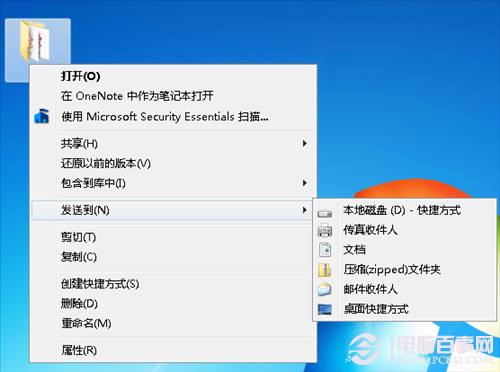
Win7 檔案總管內建 ISO/IMG 燒錄功能:
無需 Nero、Alcohol 120% 等第三方工具,原生支援主流映像格式燒錄,簡單可靠。
企業部署 Windows 7 指南(二):企業版專屬功能與授權優勢
Win7 開機報「Group Policy Client 服務無法登入」:登錄表權限修復法
Windows 7 快速開啟命令提示字元:Shift+右鍵一鍵直達
Windows 7 睡眠模式大全(三):離開模式實現低耗下載
讓 Windows 7 系統還原點建立更智慧:調整間隔節省硬碟空間
Win7配色方案被改怎麼辦?快速恢復與自定義設置教程
Win7 任務列「顯示桌面」按鈕不見了?一行指令快速找回
善用 Windows 7「還原舊版本」功能,輕鬆找回誤刪檔案