IE8 變更預設搜尋引擎步驟:
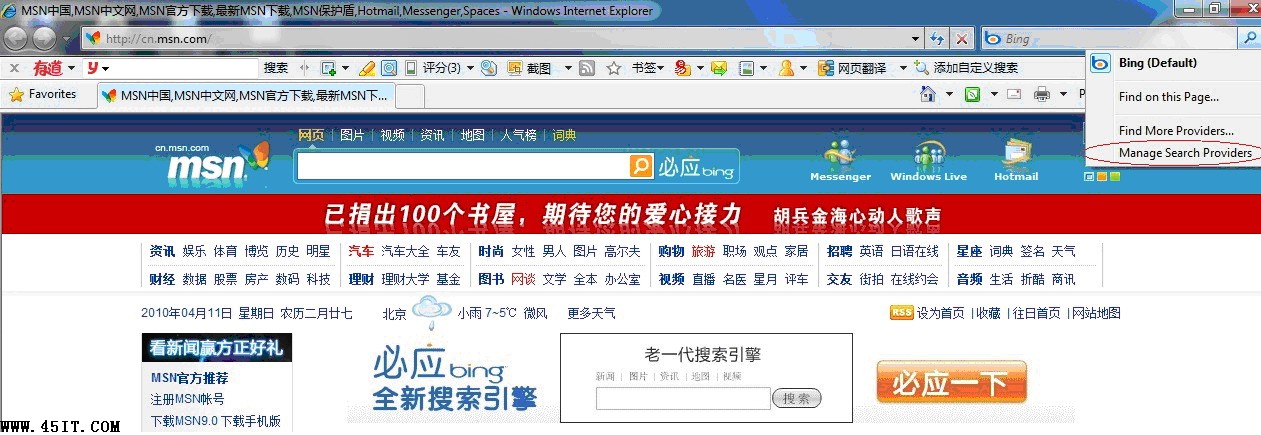
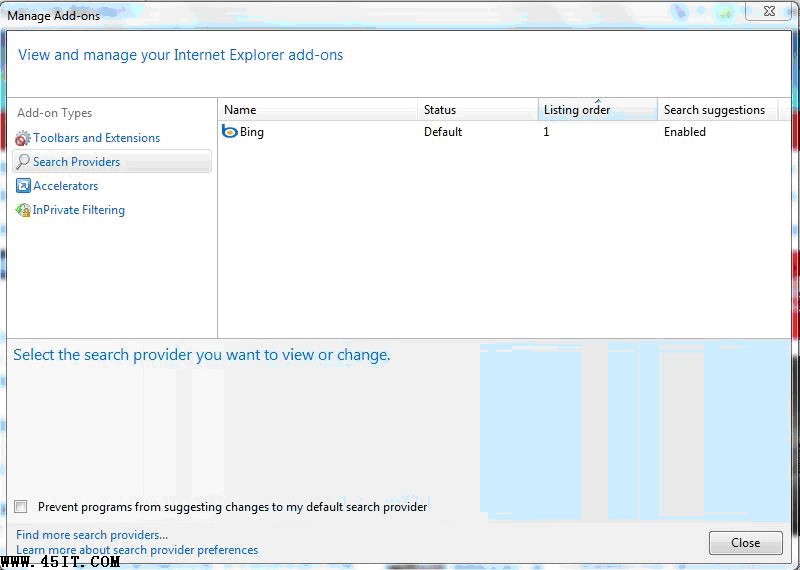
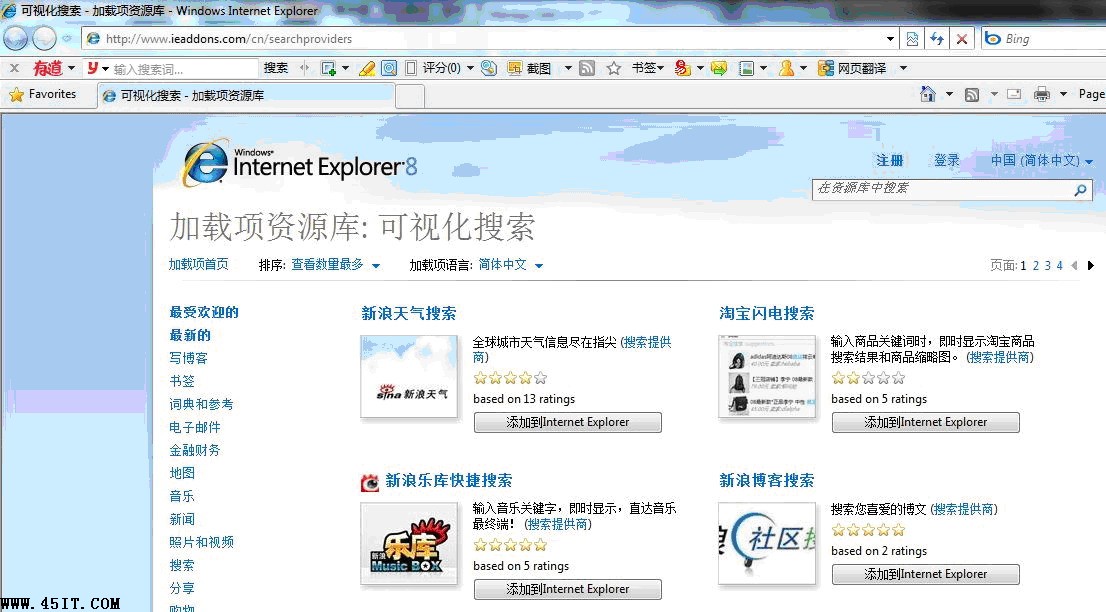
圖文並茂,輕鬆自訂 IE8 搜尋習慣。
Windows 7 系統映像備份與還原(下):排程、空間管理、光碟/硬碟雙重還原
Windows 7 任務列資源管理員圖示小祕密:一鍵開啟「電腦」而非「程式庫」
Windows 7 語音控制入門(一):從麥克風設置到語音寫字板實測
Windows 系統受損急救秘笈(下):還原原始登錄檔與系統還原點
解決 XP 無法訪問 Windows 7 共享資料夾:關閉防火牆、開放入站/出站規則、啟用 Guest 帳戶與 Everyone 權限
Windows 7 防火牆關閉與進階設定完整教學:安全性與必要性的平衡
Win7 區域網路固定 IP 設定圖文教學:手動指定本機 IP 位址
Windows 7 五大常見故障與解決方案:記憶體傾印遺失、DVD 音量過小、MovieMaker 匯入失敗、XP Mode 無法啟動、媒體中心自動播放