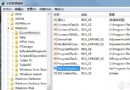
手滑將某個程式的「開啟方式」改成 QQ、記事本等錯誤程式,導致所有 .exe、.lnk 檔案雙擊都用同一個程式開啟,系統幾乎癱瘓。重裝系統太麻煩,其實一個 .inf 安裝資訊檔 就能完美還原。
[Version]
Signature="$Chicago$"
[DefaultInstall]
DelReg=DeleteMe
[DeleteMe]
HKCU,"Software\Microsoft\Windows\CurrentVersion\Explorer\FileExts\.exe"
HKCU,"Software\Microsoft\Windows\CurrentVersion\Explorer\FileExts\.lnk"
fix_assoc.inf)。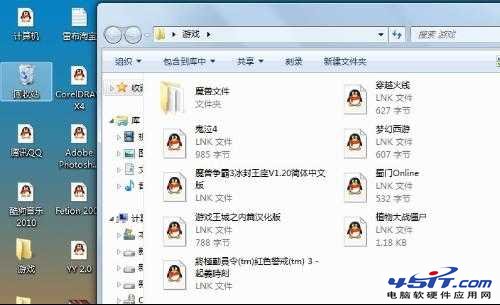
原理:該 INF 檔刪除使用者登錄檔中 HKCU\Software\Microsoft\Windows\CurrentVersion\Explorer\FileExts\.exe 及 .lnk 兩個分支,強制系統重建預設關聯。同樣適用於 Windows XP / Vista。