IE11 預覽版雖新但相容性不佳(如不支援工行網銀專用版、頻繁卡死),若想移除回滾至 IE10,可透過「檢視已安裝的更新」快速解除安裝。
移除步驟
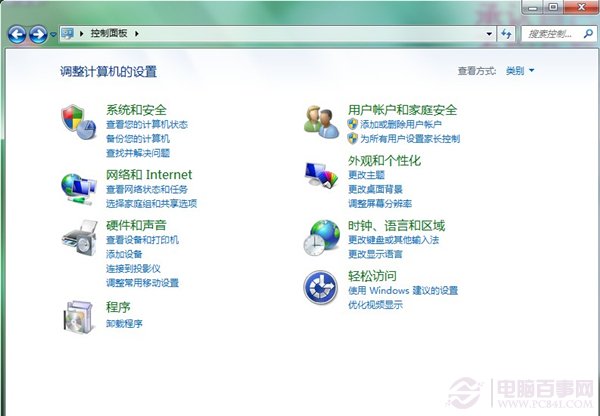
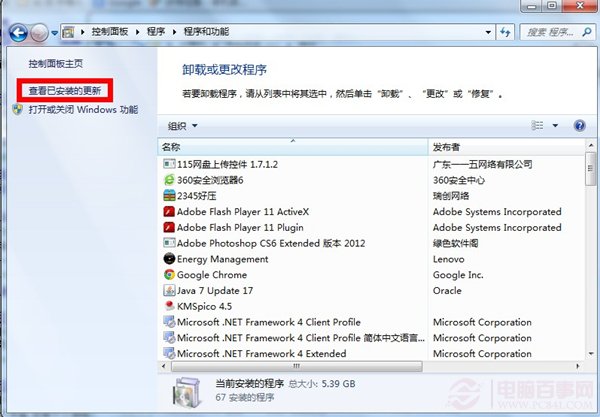
- 控制台 → 「解除安裝程式」 → 左側「檢視已安裝的更新」。
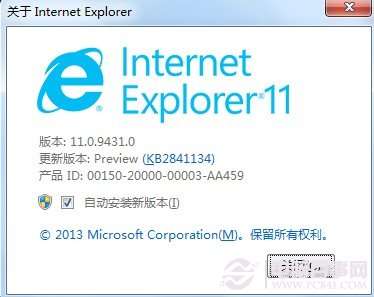
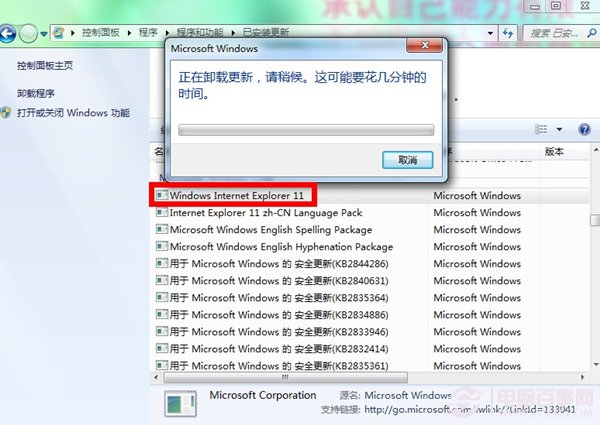
- 在更新清單搜尋框輸入「IE」快速篩選,找到「Windows Internet Explorer 11」更新項目。
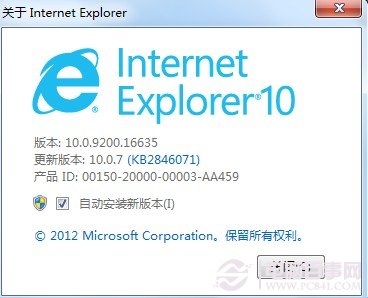
- 右鍵選擇「解除安裝」,完成後重新開機,瀏覽器將自動回滾至 IE10。
此法適用於透過 Windows Update 安裝的 IE11,若為獨立安裝包則需在「程式和功能」直接解除安裝。