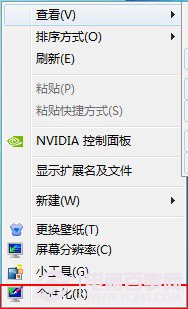
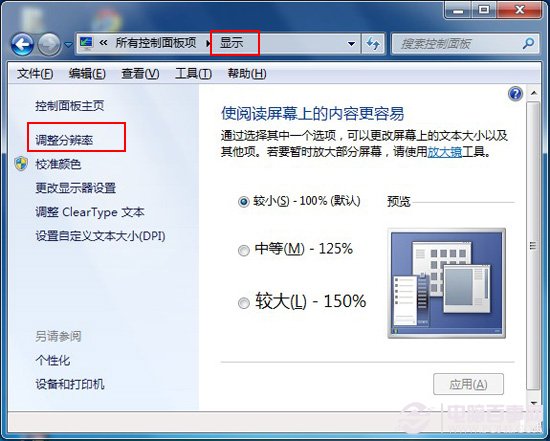
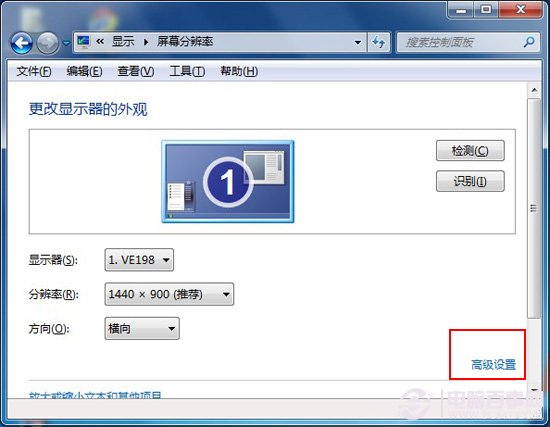
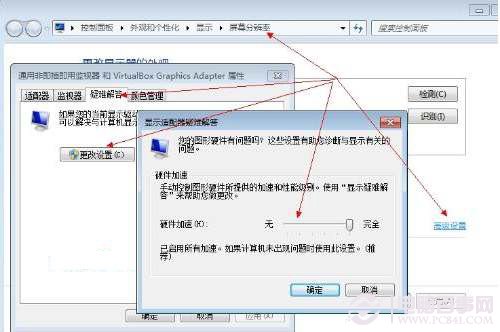
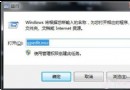
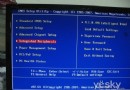
顯卡支援硬體加速可大幅提升影片播放、遊戲效能。Win7 開啟路徑:
前提條件:① 顯卡硬體支援 ② 驅動程式為最新版 ③ 應用程式(播放器/遊戲)支援硬體加速。三者缺一不可。
Win 7 / Vista 下載斷線解決方案(一):關閉網卡省電功能
Win7 群組原則技巧:設定開機登入密碼錯誤次數限制防暴力破解
Windows 7 內建 BitLocker 加密 USB 隨身碟:免安裝軟體、跨系統可用
三種方法將資源回收筒釘選到 Windows 7 工作列
Windows 7 實用技巧大全(一):遷移準備與核心新功能
Win7 磁碟管理無法建立擴充分區?DiskPart 指令建立擴充分區+邏輯分區完整教學
Windows 7 硬碟安裝三法:NT6 HDD Install、手動 BCD、AUTORUN 直裝
XP 無法存取 Win7 共享資料夾?關防火牆、改入站出站規則、開 Guest 帳號、設權限,99% 搞定