Windows XP Windows 7 Windows 2003 Windows Vista Windows 綜合教學 Linux 系統教學
Windows 10 Windows 8 Windows 2008 Windows NT Windows Server 電腦軟體教學

Windows 7 點擊資料夾卻進入搜尋介面?登錄表刪除 Directory\shell\find 修復預設開啟行為

編輯:Win7 系統基礎知識

Windows 7 點擊「電腦」/資料夾不開啟反而進入搜尋介面,主因登錄表 HKEY_CLASSES_ROOT\Directory\shell 下多出 find 子鍵劫持預設動作。刪除該子鍵即可恢復正常。

修復步驟

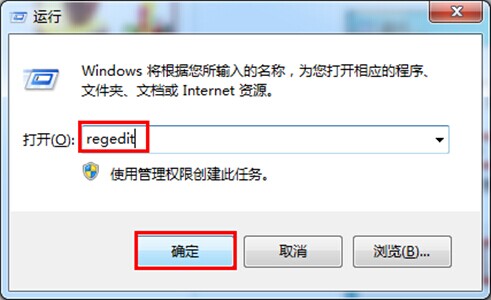
  1. Win+R → regedit 開啟登錄表編輯器。
  2. 展開至 HKEY_CLASSES_ROOT\Directory\shell → 右鍵 find 子鍵 → 「刪除」。
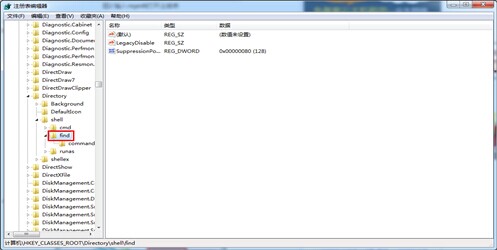
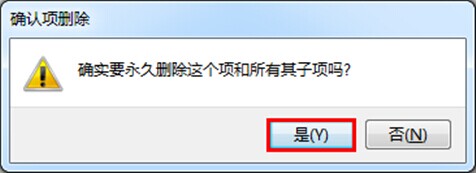
  3. 確認刪除 → 重新開機或重啟 explorer.exe 生效。

原理

shell 下的子鍵決定右鍵/雙擊預設動作。find 子鍵將預設動作導向搜尋功能,刪除後恢復系統預設「開啟」行為。

Copyright © Windows教程網 All Rights Reserved