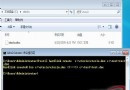
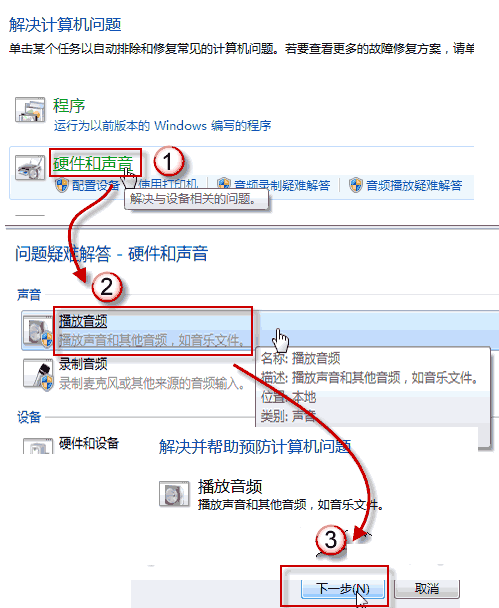
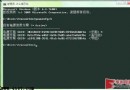
發覺 CPU 長期 50% 使用率,進程 wmpnetwk.exe 佔用高且關不掉。解決:禁用其背後服務。
wmpnetwk.exe
即可徹底消除 wmpnetwk 高 CPU 佔用。
Win7 拒絕連線無線路由器?升級路由器韌體解決相容性問題
優化 BIOS 開啟 AHCI 模式讓 Win 7 速度倍增
舊版 MSE 導致 Windows 7 SP1 安裝失敗?升級防毒軟體即可解決
Win7 桌面背景自動輪播設定教學:內建幻燈片功能輕鬆打造動態桌面
解決 Windows 7 無法停用 DirectDraw 的兩大方案
Windows 7 漫畫專輯:保護遊戲帳號(四):下載、隱私、心理與防釣魚四大關卡
Windows 7 開機黑屏怎麼辦?三階段故障排除:顯卡驅動、登錄表、系統還原
我的選單我做主:Win7 開始選單自訂設定(二):實戰調整後的開始選單