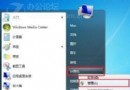
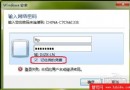
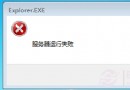
核心流程:
優缺點、風險提醒、安裝後建議均同 ID 29157,請參考該完整版。
在 Windows 7 環境下安裝獨立 XP 雙系統:Ghost 映像與原版安裝盤兩種方案
徹底刪除 Windows 7 System Volume Information 資料夾:關閉系統還原與權限取得
UltraISO 製作通用 PE 工具箱啟動 U 盤:Win7 內核版寫入、BIOS 設定 USB-HDD 首啟完整教學
Windows 7 安裝後必做優化設定(一):關閉多餘功能、調整視覺效果、虛擬記憶體、資料夾遷移、自動登入
Windows 7 Shell 指令大全:用 shell: 命令秒開資料夾、控制台、系統特殊目錄