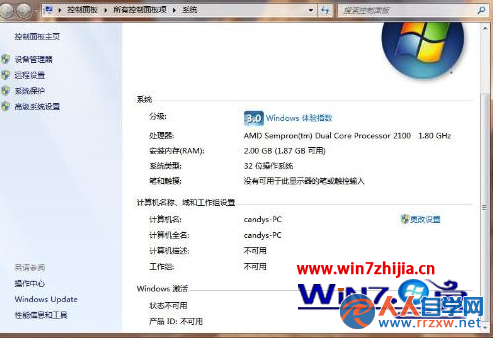
若系統為 XP,需下載 Windows 7 升級顧問 檢測;紅叉代表硬體支援但未安裝 64 位元版本。
Win7 不想升級 Win10?關閉「預定升級」提示的完整圖文教學
Win7 手動建立寬頻撥號連線(PPPoE)與桌面捷徑一鍵撥號全教學
Win7 防火牆無法啟動?修改登錄權限快速修復
Win7 實用技巧:透過登錄表修改實現桌面壁紙淡入淡出切換效果
Win7 連線 VPN 錯誤代碼 721 成因分析與完整解決方案
Win7 如何開啟進階電源管理 (APM)?需進入 BIOS 關閉特定選項
系統還原中斷電無法開機?USB+PE+Ghost 還原備份救援全流程
Windows 7 亂碼問題完美解決方案:輕鬆運行簡繁體軟體