桌面右鍵點擊沒反應、選單不彈出,甚至整個檔案總管卡住?這通常是登錄值 NoViewContextMenu 被惡意軟體或誤操作修改為 1 所致。透過命令提示字元執行三行指令,即可重設登錄並重啟檔案總管,瞬間恢復右鍵功能。
cmd,右鍵選擇「以系統管理員身分執行」。reg add HKEY_CURRENT_USER\Software\Microsoft\Windows\CurrentVersion\Policies\Explorer /v "NoViewContextMenu" /t reg_dword /d 0 /ftaskkill /f /im explorer.exestart explorer.exe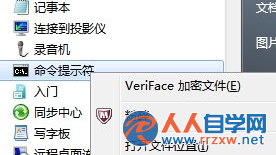
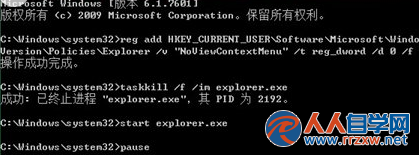
原理說明:第一行將禁用右鍵選單的登錄值歸零;第二、三行強制重啟檔案總管使設定生效。若問題持續,請檢查是否有第三方右鍵增強工具衝突。