Windows XP Windows 7 Windows 2003 Windows Vista Windows 綜合教學 Linux 系統教學
Windows 10 Windows 8 Windows 2008 Windows NT Windows Server 電腦軟體教學

Win7 開機提示 DLL 檔案錯誤?刪除登錄 Run 鍵值與啟動項修復

編輯:Win7 常見問題解答

開機彈出「找不到指定模組」「xxx.dll 載入失敗」,多為登錄「執行」鍵值或系統啟動項殘留指向已刪除/移動的 DLL(常見於聲卡驅動 soundmax.dll、監控軟體等)。

修復步驟

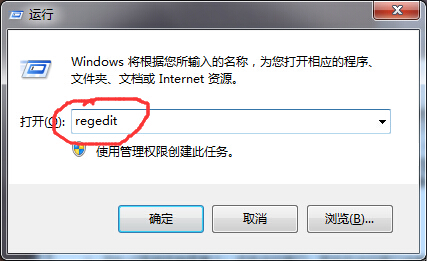
  1. Win+R → regedit。
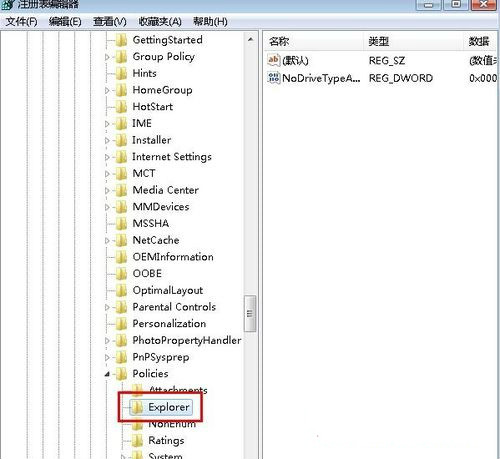
  2. 瀏覽:
    HKEY_LOCAL_MACHINE\SOFTWARE\Microsoft\Windows\CurrentVersion\Policies\Explorer\Run
  3. 右側找到與錯誤 DLL 同名的字串值(如 soundmax.dll),右鍵刪除。

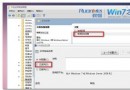
開啟登錄編輯器

Run 鍵值路徑

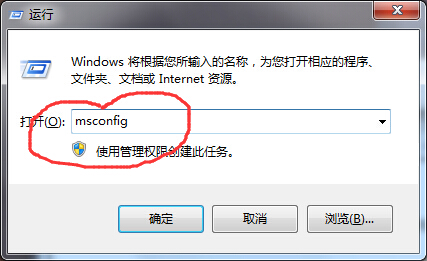
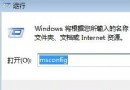
  1. Win+R → msconfig 開啟系統設定工具。
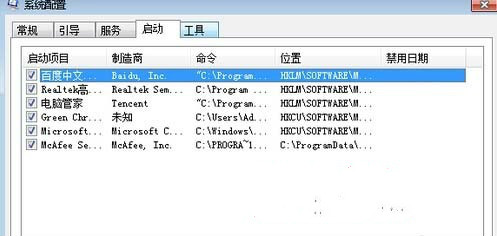
  2. 「啟動」標籤 → 找到同名項目(如 soundmax) → 取消勾選 → 「套用」 → 重開機。

msconfig 啟動標籤

取消勾選啟動項

原理

  • 登錄 Run、RunOnce、Policies\Explorer\Run 以及 msconfig 啟動標籤,皆為開機自動執行的入口。

  • 程式移除不乾淨時,殘留鍵值會嘗試載入不存在的 DLL,導致錯誤視窗。
  • 雙管齊下刪除登錄與啟動項,徹底消除開機錯誤彈窗。
Copyright © Windows教程網 All Rights Reserved