IE10 升級後若出現捷徑無反應、頁面載入錯誤,多半是核心 DLL 元件註冊遺失或損壞。以系統管理員身分執行 CMD 批次註冊 9 支關鍵 DLL,可快速修復 IE10 核心功能。
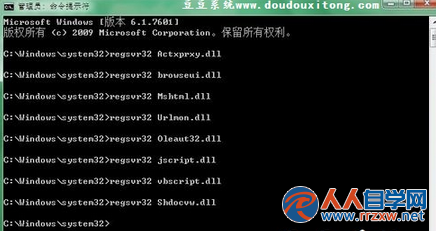
regsvr32 Actxprxy.dll
regsvr32 browseui.dll
regsvr32 Mshtml.dll
regsvr32 Urlmon.dll
regsvr32 Oleaut32.dll
regsvr32 jscript.dll
regsvr32 vbscript.dll
regsvr32 Shdocvw.dll
cmd,按 Ctrl+Shift+Enter 以系統管理員身分開啟。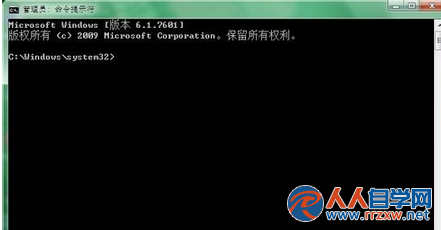
注意:此法僅修復註冊表層面的元件註冊,若 IE 檔案本身損壞,建議重新安裝 IE 或執行系統檔案檢查 sfc /scannow。