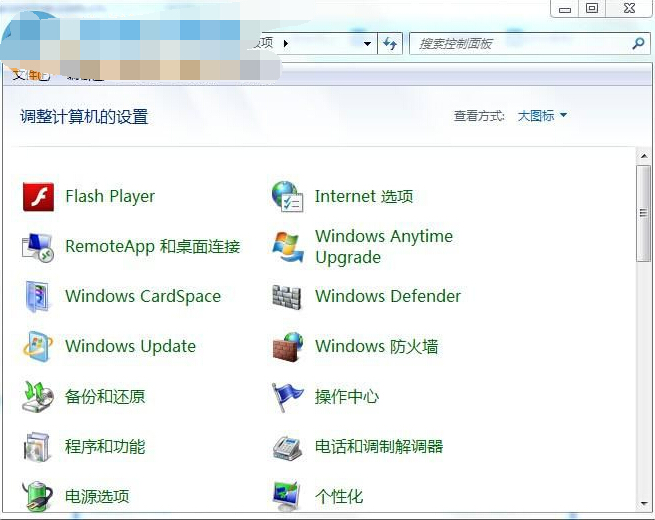
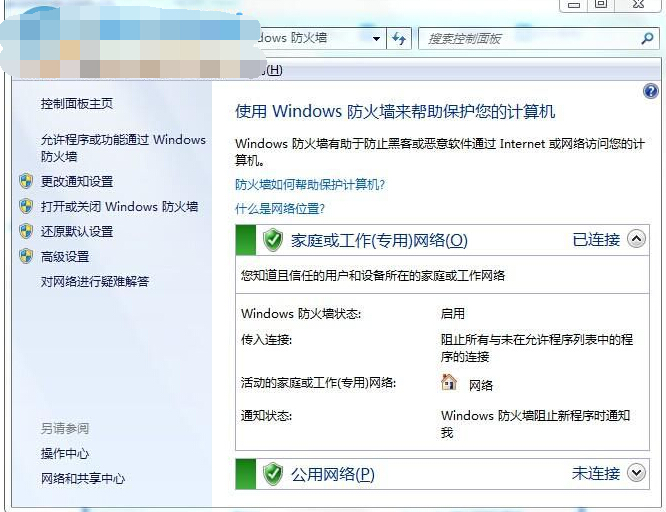
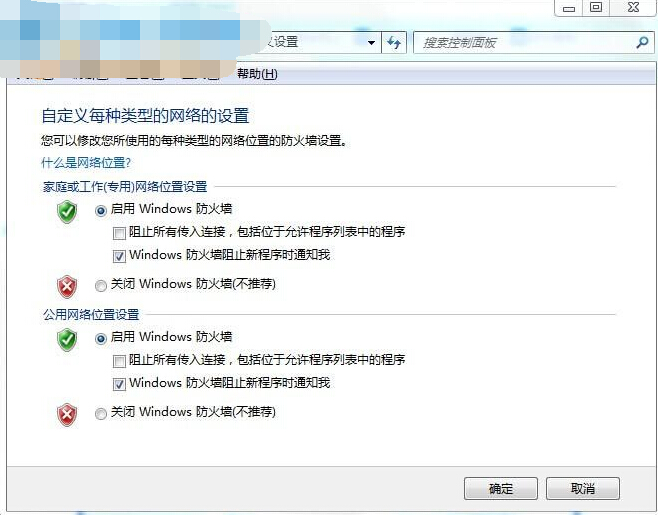
特殊情況 (遠端桌面、特定服務測試) 需暫時關閉 Windows 防火牆,控制台三步驟完成,用畢請立即重新啟用。
⚠ 風險警告:關閉防火牆等同裸奔網路,任何惡意封包、蠕蟲病毒、遠端攻擊可直接入侵。僅在受信任區域網路、短時測試時關閉,完成後立即重新啟用。 長期需開放特定連接埠請改用「進階設定」→「輸入規則」新增允許規則,精準控制而非全開。
優酷「點播單」功能完整使用教學:新增、移除、播放模式切換
Win7 開關機提示「請不要關閉計算機」如何關閉自動更新
Win7 刪除 EISA 隱藏分割區(復原分割區):DiskPart 指令釋放硬碟空間
Win7 IE 瀏覽器突然打不開網頁?排除網路/毒毒後,Internet 選項「重設」一鍵修復
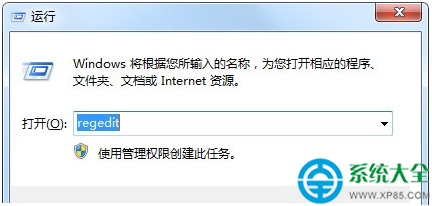
Win7 程式未回應怎麼辦?修改登錄檔 WaitToKillAppTimeout 縮短等待時間
Win7 查看 NVIDIA 顯示卡顯存大小與位寬:NVIDIA 控制台三步驟搞定
Win7啟用NFS客戶端服務:訪問Linux/Unix共享文件夾必備
電腦適不適合安裝 Windows 7?八大判斷指標:硬體規格、多核心優化、XP Mode 需求、64 位元效益、驅動程式相容性