無需第三方軟體,Win 內建 shutdown 指令即可精準定時關機/重開機,支援秒級精度,附取消指令。
cmd 開啟命令提示字元。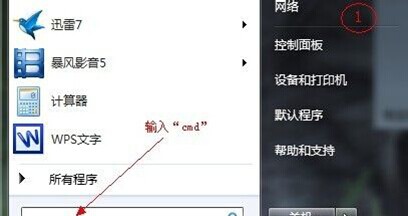
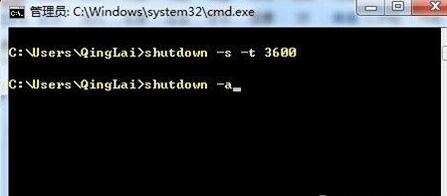
shutdown -s -t 3600
-s 關機、-r 重開機、-t 秒數、-a 取消。3600 秒 = 1 小時後關機。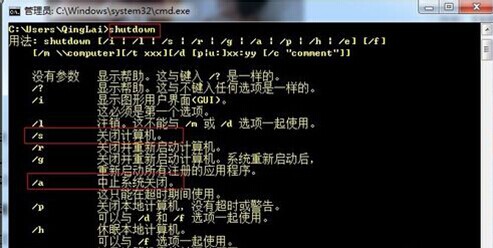
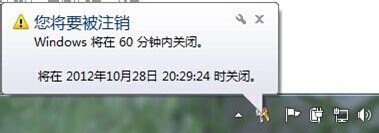
再開一次 CMD 輸入:shutdown -a → Enter,右下角提示「已取消關機」。
💡 進階:可將指令存為 .bat 檔,雙擊即執行;或用工作排程器設定每日自動關機。
Win7 用 systeminfo 指令查電腦完整規格:CPU、記憶體、熱修補程式、網路卡一覽
WinXP 能上 QQ 卻打不開網頁?DNS 解析錯誤、代理伺服器、病毒/IE 損毀/防火牆/協定驅動五大方向完整排查
Win7 系統 error code 0x00000005 錯誤完整解決教學
Win7 無法用自訂程式開啟檔案?刪除登錄表 FileExts OpenWithList 與 UserChoice 恢復關聯
Windows 7 十大必學快速鍵:Win+D 顯示桌面、Ctrl+Shift+Esc 開啟工作管理員等實用組合
Win7 Ghost 安裝失敗提示 "a destination volume could not be locked (641)" 解決辦法