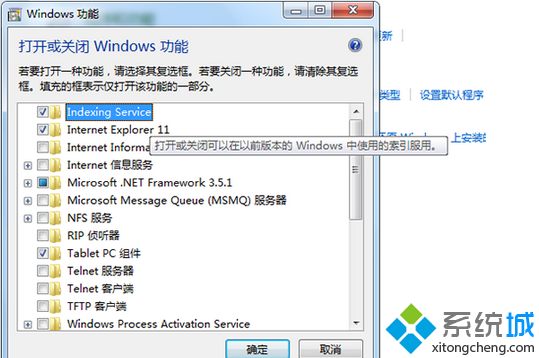
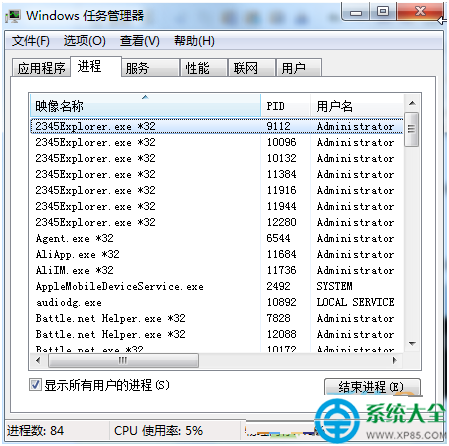
Win7 搜尋功能無法使用,多半是相關服務被停用。啟用「Windows Search」與「Indexing Service」即可恢復。
重開機後搜尋功能即恢復正常。
Windows 7 內建放大鏡完整操作指南:快速鍵、全螢幕/區域模式、倍率調整
Win7 右鍵桌面圖示沒有「開啟」選項?修復 .lnk 捷徑關聯一行指令搞定
資料無價:防止硬碟被惡意格式化的三層防護 (DOS 命令鎖定、移動外部命令、BIOS 啟動鎖)
讓 Windows 7 程式視窗更聽話:滑鼠懸停啟動、拖曳不自動最大化
Win7 雙擊資料夾/檔案出現「開啟方式」亂碼無法開啟?檔案關聯修復完整指南
Win7 網速慢?匯入註冊表優化 TCP/IP 參數提升傳輸效能
Win7 開始選單圖示大小調整教學:大/小圖示一鍵切換
Win7 Chrome 應用商店打不開?安裝「訪問助手」擴充功能破解限制