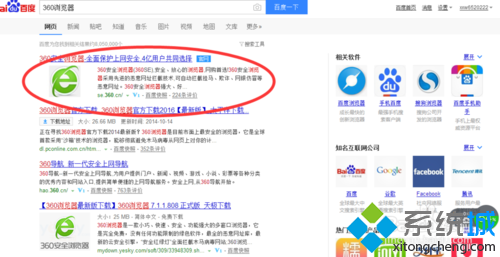
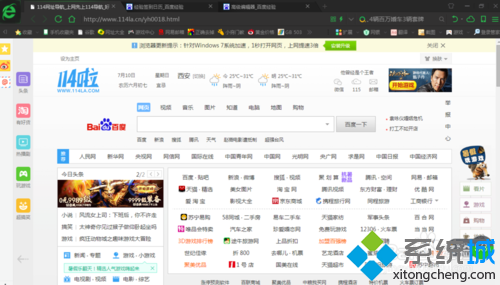
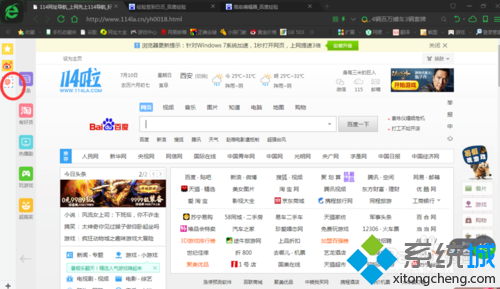
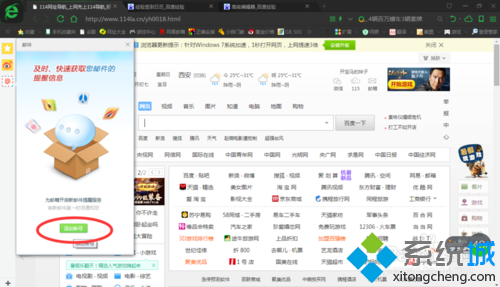
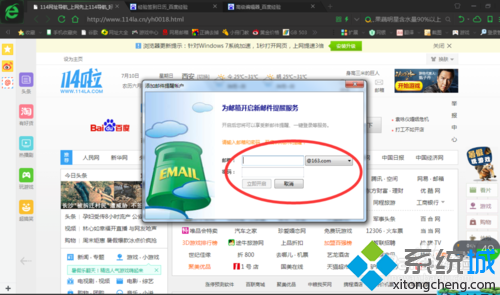
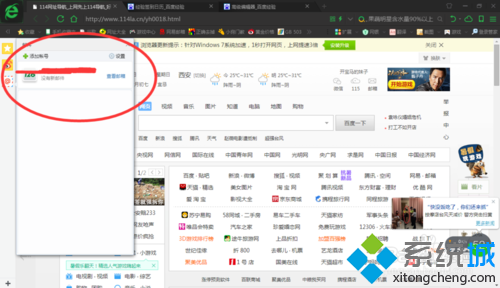
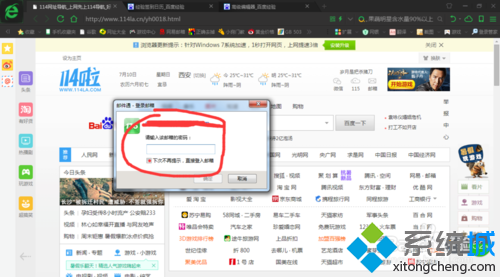
Win7 內建 IE 瀏覽器,但許多用戶習慣使用 360 瀏覽器。本文說明如何在 360 瀏覽器中新增並登入電子郵件帳號。
此功能整合常用郵件服務(Gmail、Outlook、Yahoo 等),方便集中管理多個信箱。
Win7 桌面右鍵選單出現亂碼/問號?語言設定與註冊表字符集修復雙管齊下
Windows 7 八大不可停用核心服務:停用即癱瘓系統/網路
Windows 7 遊戲畫面閃爍、花屏?用相容性疑難解答一鍵修復
Win7 滑鼠右鍵選單背景圖片如何自訂?魔方電腦大師美化教程
Win7 桌面捷徑點擊無反應?assoc 指令一鍵修復 .exe 關聯
修改登錄打造專屬 Windows Vista 氣泡螢幕保護程式:實心、無陰影隨心訂
Win7 移除右鍵選單「小工具」選項:登錄編輯器快速操作
Win7筆記本鍵盤失靈終極修復:註冊表UpperFilters重建法