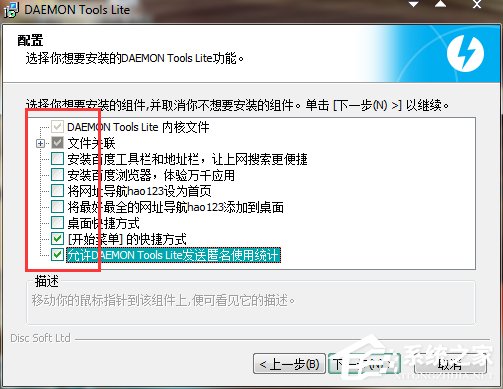
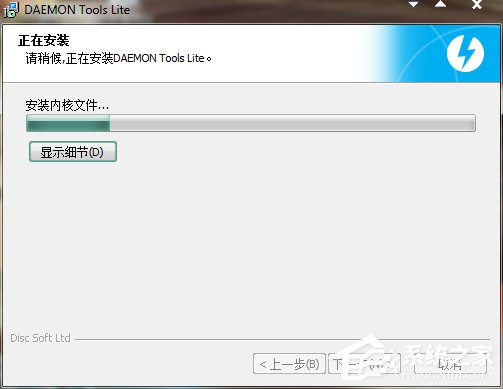
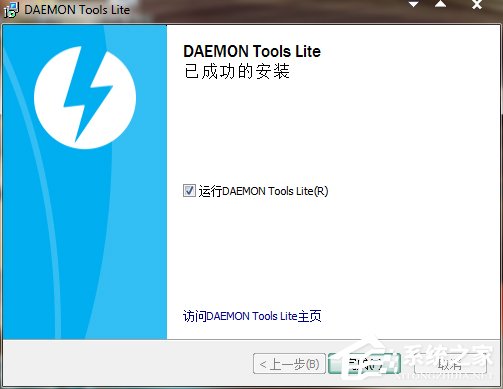
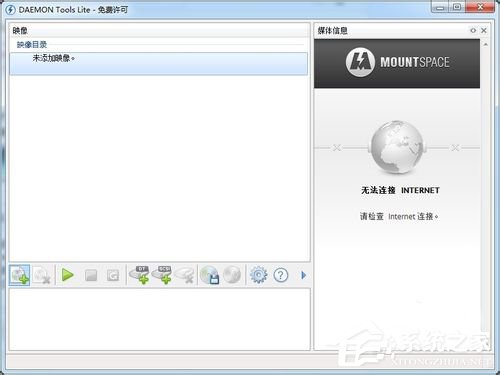
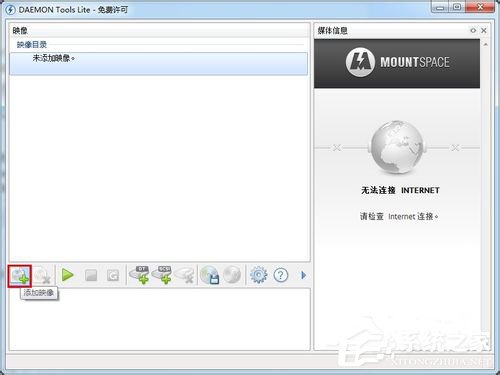
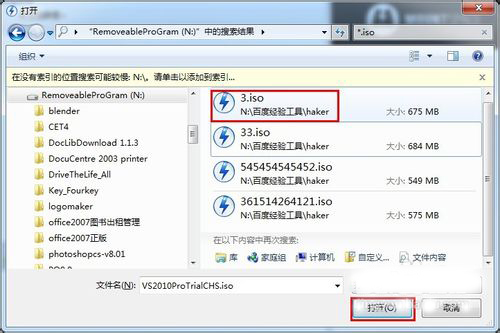
*.mdx, *.mds, *.mdf, *.iso, *.b5t, *.b6t, *.bwt, *.ccd, *.cdi, *.cue, *.nrg, *.pdi, *.isz

Win7 如何查詢是否永久啟用?CMD 執行 slmgr.vbs -xpr 秒出授權狀態
Windows 7 下 Arch Linux 靜態網路設定錯誤?ifconfig/ip 指令修正 IP 與閘道
Windows 7 設定靜態 IP 位址完整步驟:控制台介面與參數填寫圖解
Win7 安裝驅動程式提示缺少 .HLP 檔案?自建空白檔案繞過檢查
Win7 更換螢幕後開機黑屏提示「不支援的解析度」完整解決教學
VMware 安裝後 Win7 無法自動登入?隱藏 __vmware_user__ 帳號登錄表修法
Win7 將「我的文件」等資料夾恢復預設位置 (C 槽使用者目錄) 的兩種方法
Win7 安裝程式提示 0x009c423 記憶體錯誤?WPS 與 Office 衝突、360 系統急救箱、CMD 重註冊 DLL/OCX