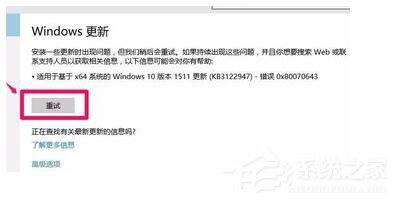
Windows Update 安裝更新、或安裝 Visual Studio、.NET Framework、MSE、Zune 等微軟產品時跳出錯誤碼 0x80070643 (ERROR_INSTALL_FAILURE),代表 Windows Installer (MSI) 引擎執行失敗。本文整理完整排除流程,從 MSI 服務重註冊、暫存目錄清理、.NET 修復、到註冊表權限修正。
Error 0x80070643: Failed to install MSI package.
Error 0x80070643: Failed to execute MSI package.
MUX: Return Code:0x80070643 Msi Messages:1406 Result Detail:0
MUX: Executing Process: Exe:C:\Windows\system32\msiexec.exe Arguments:/unreg
管理員 CMD 執行:
msiexec /unreg
msiexec /regserver
對應日誌中 `msiexec /unreg` 步驟,重置 MSI 服務 COM 註冊。
管理員 CMD:
del /q %temp%\*
del /q C:\Windows\Temp\*
rd /s /q C:\Windows\Installer\$PatchCache$  (僅刪除快取,不刪除 Installer 根目錄檔案)
regedit → 找到報錯的鍵值路徑(安裝日誌會指示)→ 右鍵「權限」→ 確保 `SYSTEM`、`Administrators`、`TrustedInstaller` 有「完整控制」
管理員 CMD:
reg add HKLM\Software\Policies\Microsoft\Windows\Installer /v Logging /t REG_SZ /d voicewarmupx /f
reg add HKLM\Software\Policies\Microsoft\Windows\Installer /v Debug /t REG_SZ /d 7 /f
重現錯誤後,`%temp%` 目錄下會產生 `MSIxxxxx.log` 詳細記錄,搜尋 `Return Value 3`、`Error 1406` 定位具體失敗鍵值/檔案。