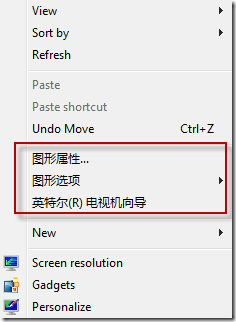
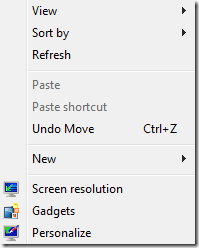
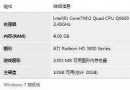
安裝顯示卡驅動程式後,桌面右鍵選單常新增多項控制面板捷徑,影響美觀與操作效率。可透過 regsvr32 取消註冊對應的 Shell Extension DLL 來移除:
| 顯示卡品牌 | 移除指令 | 恢復指令 |
|---|---|---|
| Intel | regsvr32 /u igfxpph.dll | regsvr32 igfxpph.dll |
| AMD/ATI | regsvr32 /u atiacmxx.dll | regsvr32 atiacmxx.dll |
| NVIDIA | regsvr32 /u nvcpl.dll | regsvr32 nvcpl.dll |
操作方式:Win+R 開啟「執行」,貼上指令按 Enter。移除後右鍵選單即刻清爽;需調整顯示設定時,可從控制台或系統匣圖示進入對應控制面板。