Windows XP Windows 7 Windows 2003 Windows Vista Windows 綜合教學 Linux 系統教學
Windows 10 Windows 8 Windows 2008 Windows NT Windows Server 電腦軟體教學

Win7 開機黑屏無桌面?任務管理器啟動 regedit 修正 Shell 鍵值為 explorer.exe 秒恢復

編輯:Win7 系統應用技巧

開機進入黑屏只有滑鼠游標,桌面、任務列全無。通常是註冊表 Winlogon\Shell 鍵值被惡意軟體/優化工具改成空值或錯誤程式。用任務管理器拉起註冊表修回來。

急救步驟

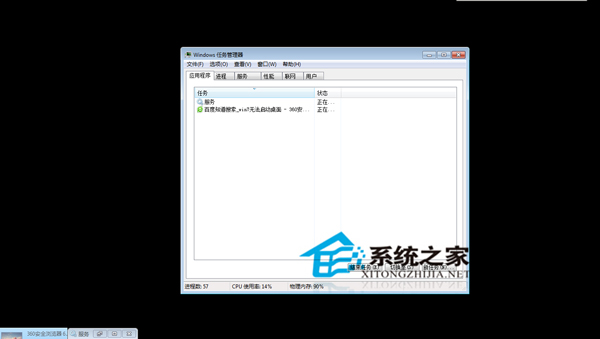
  1. 先試重啟,不行則 Ctrl+Alt+Del →「啟動工作管理員」。
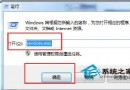
  2. 工作管理器「檔案」→「新增工作」→ 輸入 regedit 開啟註冊表。
  3. 定位 HKEY_LOCAL_MACHINE\SOFTWARE\Microsoft\Windows NT\CurrentVersion\Winlogon。
  4. 右側雙擊 Shell,數值改為 explorer.exe,確定。
  5. 關閉註冊表,桌面瞬間出現。

黑屏無桌面

同理,若右鍵選單、檔案關聯壞了,也可在任務管理器跑對應修復指令。記住 Shell=explorer.exe,關鍵時刻能救場。

Copyright © Windows教程網 All Rights Reserved