Windows XP Windows 7 Windows 2003 Windows Vista Windows 綜合教學 Linux 系統教學
Windows 10 Windows 8 Windows 2008 Windows NT Windows Server 電腦軟體教學

Win7 系統 USB 隨身碟無法自動播放怎麼辦?啟用 ShellHWDetection 服務

編輯:Win7 系統應用技巧

插入 USB 隨身碟無自動播放視窗,通常是 Shell Hardware Detection (ShellHWDetection) 服務未啟動。本文教您透過命令提示字元啟用服務恢復自動播放。
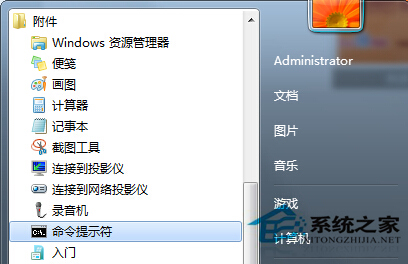
修復步驟

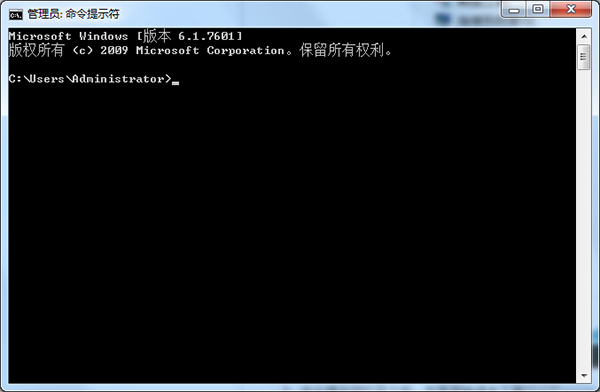
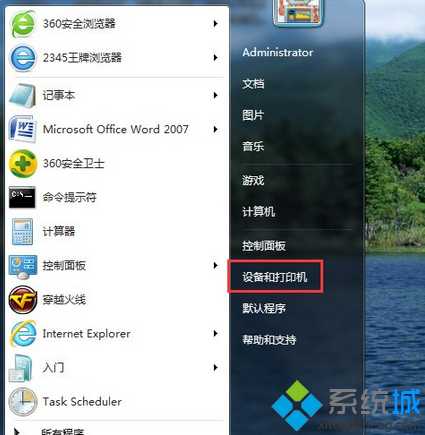
  1. 開始 → 所有程式 → 附屬應用程式 → 右鍵「命令提示字元」→ 選擇「以系統管理員身分執行」。

  1. 在命令提示字元輸入:net start shellhwdetection → Enter。

  1. 重新開機電腦。
  2. 重新插入 USB 隨身碟,自動播放視窗應正常彈出。

原理: ShellHWDetection 服務負責偵測硬體插入事件並觸發自動播放,服務停用 (可能被優化軟體誤關) 會導致無反應。設為自動啟動可永久解決。

延伸:亦可透過 services.msc 找到該服務將啟動類型改為「自動」。

Copyright © Windows教程網 All Rights Reserved