在瀏覽器輸入 localhost 應顯示本地 IIS 網頁,若出現 HTTP 404 錯誤,通常是 IIS 網站繫結設定中 IP 位址限制導致。本文教您修正繫結設定。
解決方案
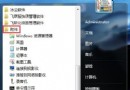
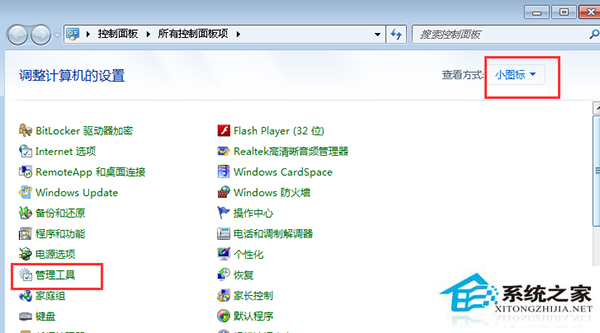
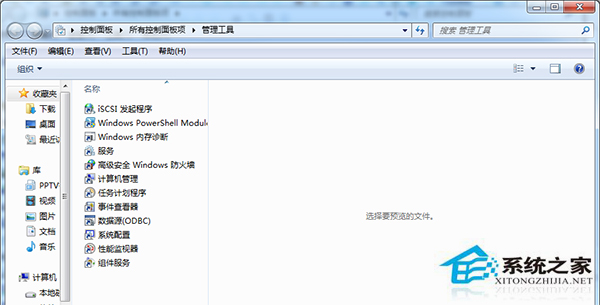
- 開啟「控制台」→ 檢視模式改「小圖示」→ 點選「系統管理工具」→ 雙擊「Internet Information Services (IIS) 管理員」。
- 左側連線樹狀目錄展開電腦名稱 → 「網站」→ 選中預設網站 (或您的站點)。
- 右側「動作」面板點選「繫結」。
- 在「網站繫結」視窗選中該繫結項 → 點選「編輯」。
- 將「IP 位址」下拉選單選擇 「所有未指派」 (All Unassigned),或清空 IP 位址欄位 → 確定 → 關閉視窗。
修正後重新整理瀏覽器,localhost 應能正常顯示 IIS 預設頁面。原理:預設繫結若綁定特定 IP,若該 IP 變動或不符,會導致 404。