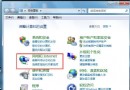
Win7 開機彈出「Windows 無法連線到 System Notification Service」,實為 Winsock 目錄損毀導致系統通知服務無法啟動。管理員命令列執行 netsh winsock reset catalog 重設後重開機即可修復。
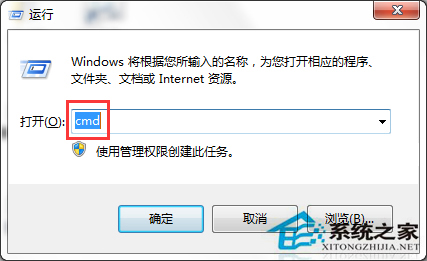
開始 → 「執行」 → cmd (或 Win+R → cmd → Ctrl+Shift+Enter)。
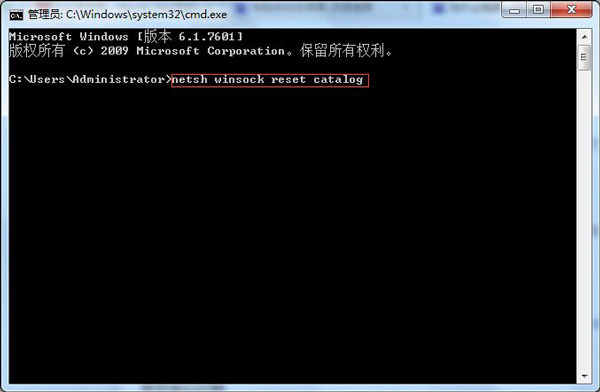
輸入 netsh winsock reset catalog 按 Enter → 顯示「成功重設 Winsock 目錄」。
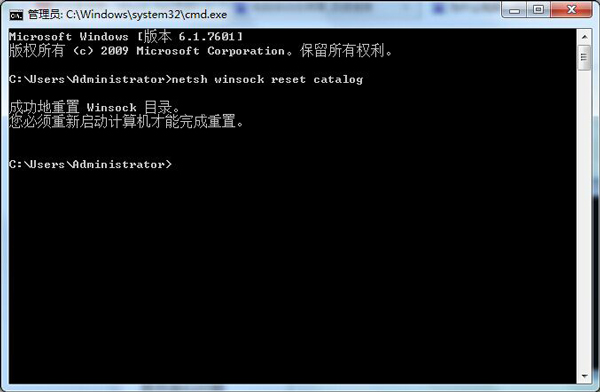
重開機後開機不再彈出錯誤,系統通知區域圖示正常顯示。
同類錯誤:「Windows 無法連線到 Group Policy Client 服務」、「Windows 無法連線到 User Profile Service」等服務連線失敗,同樣可嘗試netsh winsock reset+sfc /scannow組合修復。