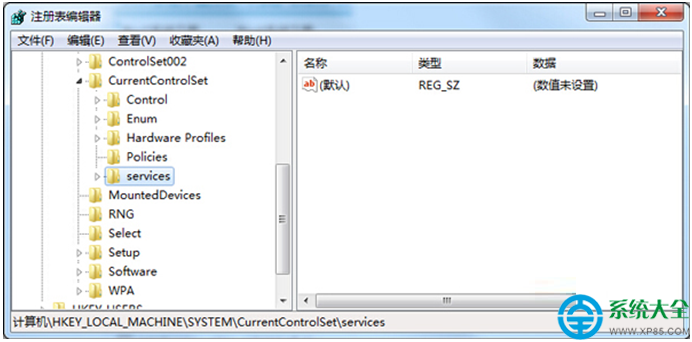
Hosts 檔案是無副檔名的系統文字檔,負責將網域名稱對應到指定 IP 位址,常用於加速網頁存取、封鎖惡意網站或本地開發測試。本文說明 Win7 下 Hosts 的預設位置、功能原理,以及損毀後的標準修復步驟。
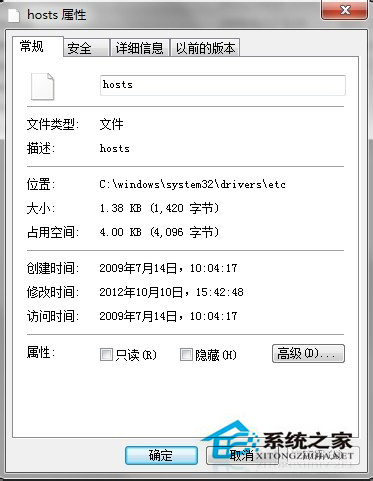
統一路徑:C:\Windows\System32\drivers\etc\hosts
快速開啟方式:按 Win+R → 輸入 C:\Windows\System32\drivers\etc → 找到 hosts 檔案。
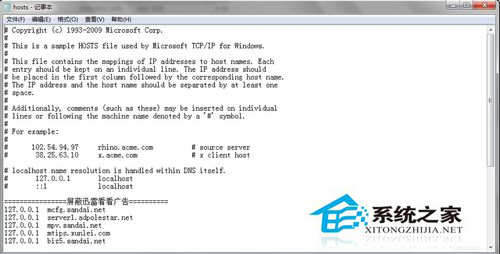
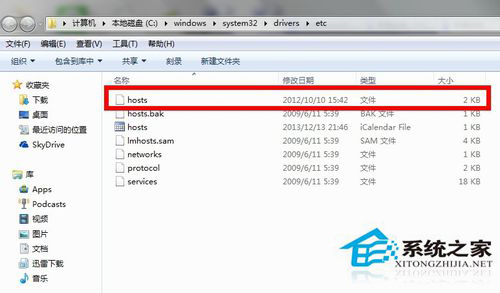
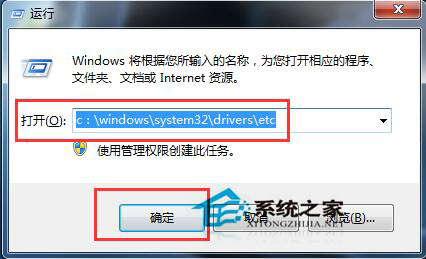
瀏覽器解析網址時,優先查詢 Hosts 檔案。若找到對應 IP,直接連線;否則轉向 DNS 伺服器解析。正確設定可大幅提升特定網站存取速度。
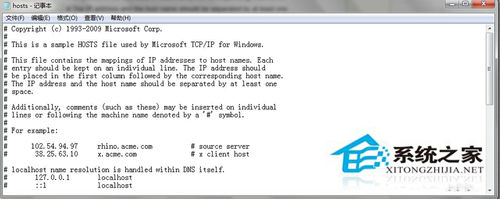
hosts 複製到桌面備份,用記事本開啟。# Copyright (c) 1993-2009 Microsoft Corp.
# This is a sample HOSTS file used by Microsoft TCP/IP for Windows.
# ...
# localhost name resolution is handled within DNS itself.
# 127.0.0.1 localhost
# ::1 localhost
C:\Windows\System32\drivers\etc(需管理員權限)。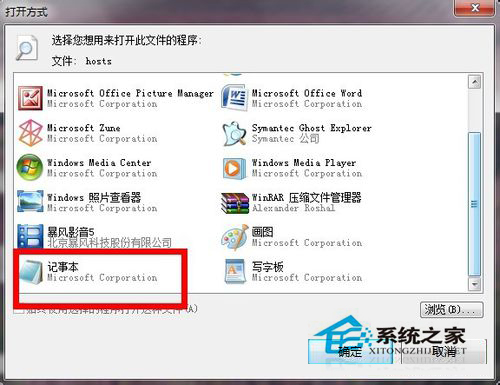
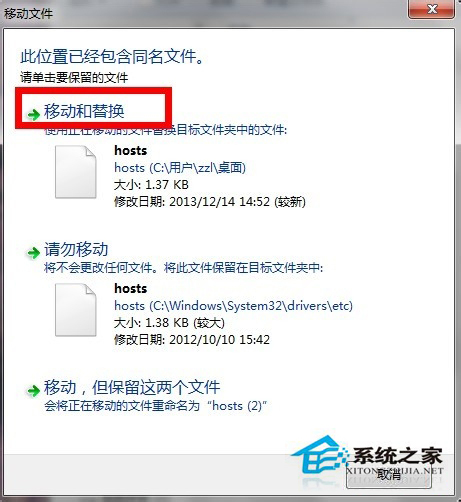
注意:修改 Hosts 需管理員權限,建議先備份原檔。若常需編輯,可建立桌面捷徑指向該檔案,以管理員身分開啟記事本編輯更便利。