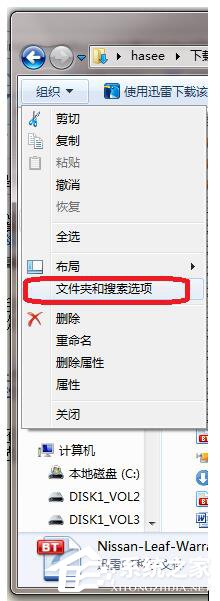
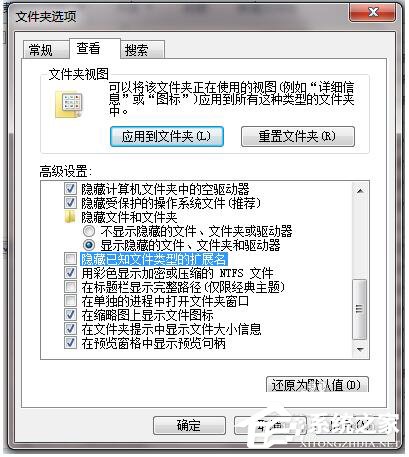
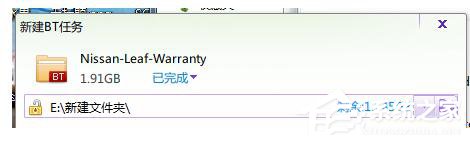
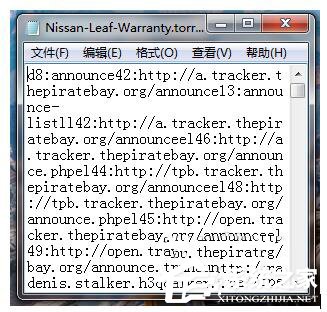
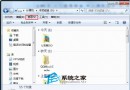
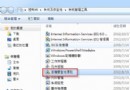
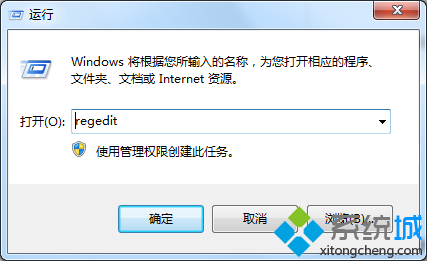
下載的種子檔案無副檔名或亂碼,導致迅雷等下載工具無法識別。只需補全 .torrent 副檔名並確保系統顯示副檔名,即可正常關聯開啟。
.torrent
建議安裝迅雷/IDM 等下載工具時勾選「關聯 .torrent 檔案」,避免手動設定。
Win7 藍屏錯誤 0x00000040 怎麼解決?網卡衝突排除與驅動修復指南
防止滑鼠喚醒 Windows 7 睡眠/離開模式:裝置管理員一招搞定
Vista 分區出現 3 主分區 + 1 邏輯分區?原文內容混雜更新修復步驟,建議改用 DiskPart/磁碟管理重新規劃
解決 Windows 7 安裝時「無法建立新分區」的實用對策
電腦網頁開啟忽快忽慢?常見原因與優化對策
Windows「講述人」功能是什麼?協助視障使用者的輔助工具
UAC 是什麼?Win7 使用者帳戶控制完整機制與四大安全等級詳解
裝了固態硬碟開機還是慢?檢查 AHCI 模式、系統優化、啟動項三關鍵