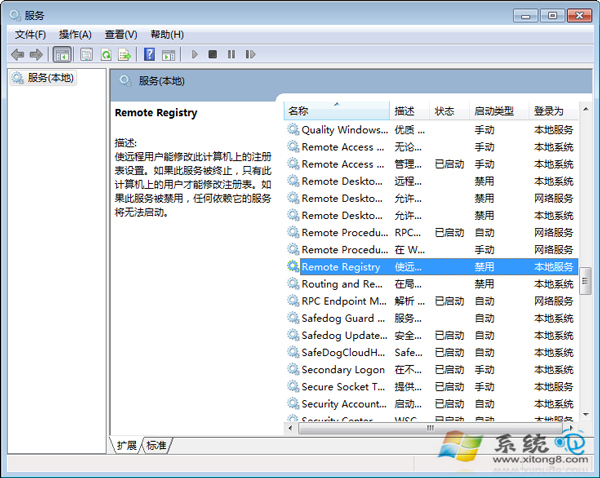
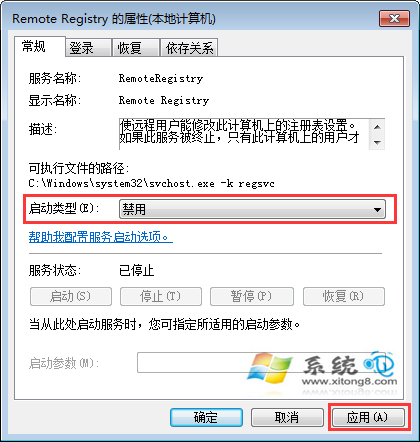
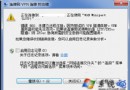
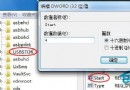
Remote Registry 服務允許遠端修改登錄表,一般用不到且有安全風險,建議停用以提升系統效能。
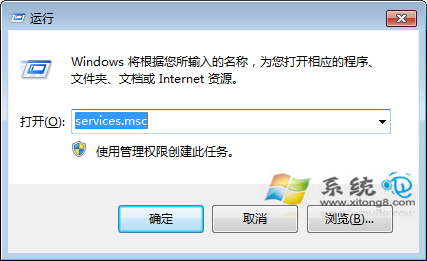
services.msc
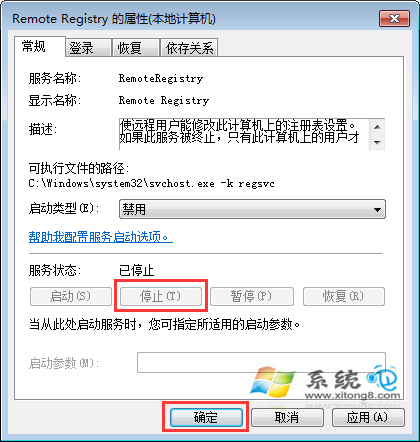
同樣步驟將啟動類型改為「自動」並啟動服務即可。
Win7 快速找出檔案被誰佔用:資源監視器 (resmon) 關聯控制代碼搜尋檔案名/登錄鍵值,秒殺「檔案正在使用」無法刪除
Win7 執行 CBox 影音出現黑畫面/提示更新顯示卡驅動的解決方法
Win7 Word 程式未回應怎麼辦?三大狀況對應釋放記憶體/縮短檔名/修復 Office
忘記 Wi-Fi 密碼?Win7 內建功能輕鬆找回,無需第三方軟體
Windows 7 能否終結 Vista 噩夢?命名迷思、XP 攔路虎、盜版挑戰
Win7 開啟內建 Administrator 超級管理員帳號:取得最高權限、刪除系統檔不再受阻
Win7 旗艦版隱藏小功能:裝置階段與問題步驟記錄器
Win7 建立 PPPoE 撥號連線圖文教程:網路共用中心七步完成 + 桌面捷徑一鍵撥號