想一鍵清除所有使用者的 Cookie 與瀏覽器垃圾檔?用記事本撰寫批次檔自動化處理。
@echo off
color 0a
cd /d %SystemDrive%
dir "%SystemDrive%\Documents and Settings\" /ad/b >"%SystemDrive%\DirTmp.txt"
for /f %%a in (%SystemDrive%\DirTmp.txt) do (
  del /f /s /q "%SystemDrive%\Documents and Settings\%%a\Cookies\*.*"
  del /f /s /q "%SystemDrive%\Documents and Settings\%%a\Local Settings\Temporary Internet Files\*.*"
)
del /f /q %SystemDrive%\DirTmp.txt
pause
ClearCookie.bat → 儲存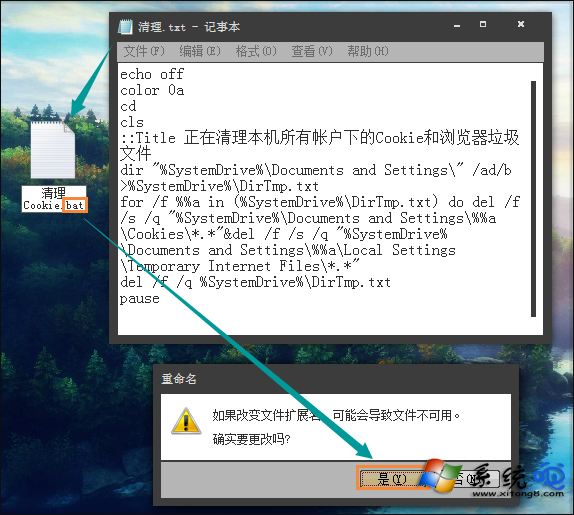
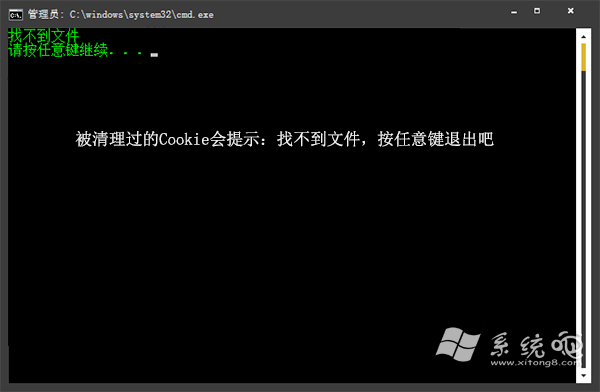
DirTmp.txt(帳號清單),可手動刪除免逐一手動清除,省時省力。