不同於 XP,Win7 移除了圖形化剪貼板檢視器。但可透過命令提示字元指令 clip 查看與操作剪貼板內容。
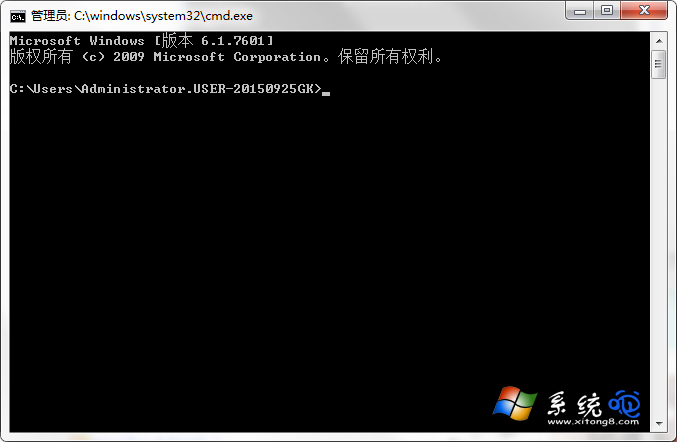
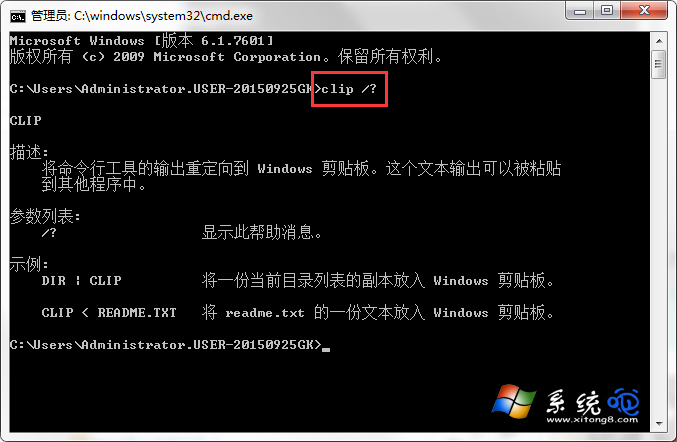
cmd,按 Enter 開啟命令提示字元。clip /? 查看說明(注意 clip 與 / 間有空格)。clip — 將管線輸入導向剪貼板(例:dir | clip)。type file.txt | clip — 將檔案內容複製到剪貼板。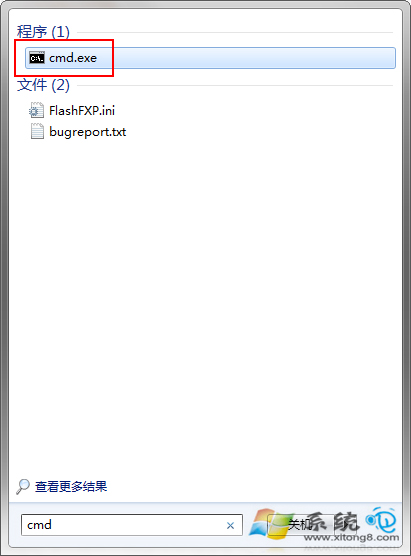
需圖形化介面可安裝第三方工具(如 Ditto、ClipX),支援歷史記錄、多項目管理,體驗遠優於內建指令。
Windows 7 任務列電源圖示消失?組態原則與通知區域雙重修復
Windows 7 小改進:定時自動換桌布 (10 秒至 1 天)、RSS 製作桌面幻燈片
Windows 系統分頁檔案配置最佳實務:系統碟保留小檔案、非系統碟建立大檔案、避免碎片化提升虛擬記憶體效能
Win7 查看詳細系統版本號:winver 只顯示 6.1.7600,slmgr.vbs -dlv 顯示完整授權資訊與建置版本
Win7 開機「位置無法使用」修復:登錄編輯器修正 User Shell Folders 路徑
Windows 7 企業版四大核心安全功能深度解析:BitLocker、AppLocker、分支快取、DirectAccess