regedit 無反應,常見原因:群組原則封鎖、病毒感染、優化軟體誤操作。本文提供標準解除封鎖流程與後續安全檢查建議。
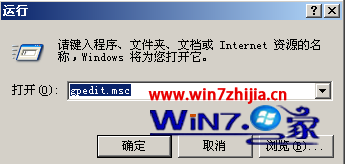
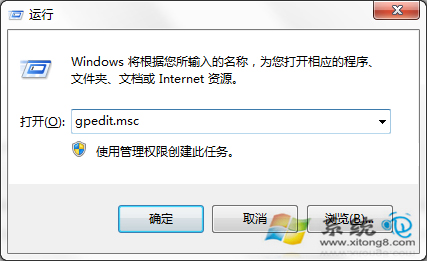
gpedit.msc 開啟群組原則編輯器。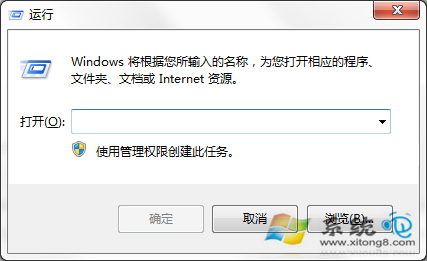
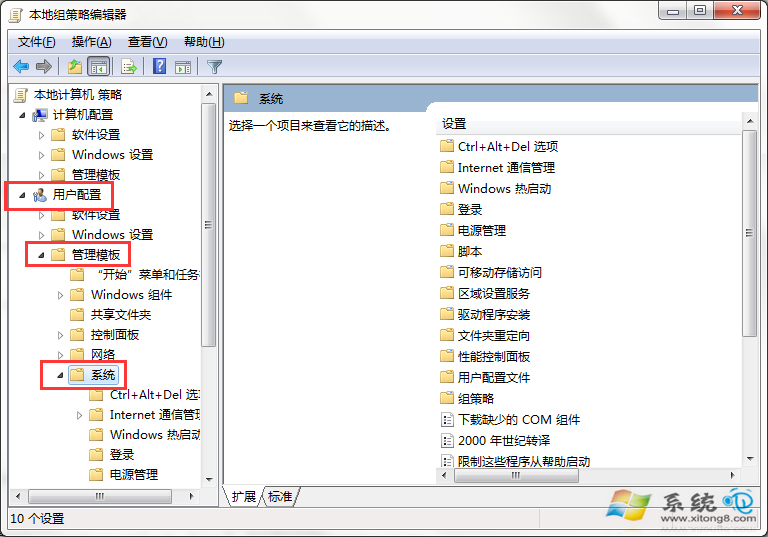
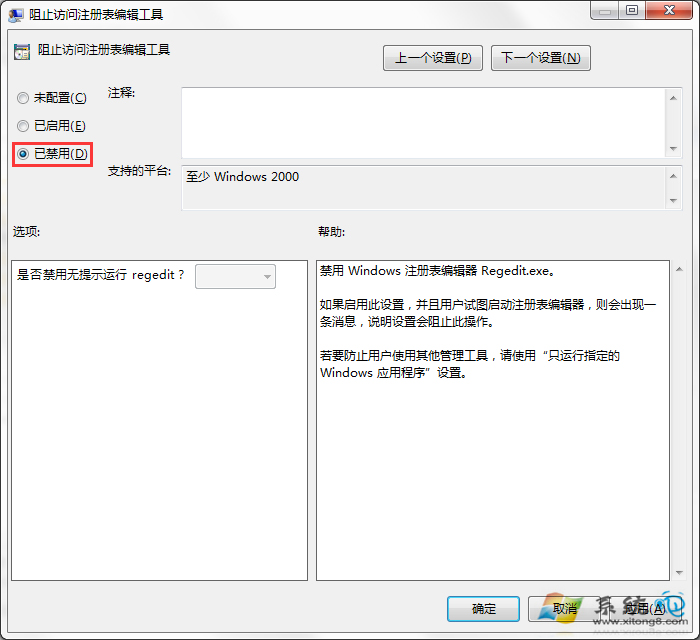
建立 unlock_reg.reg 檔,內容:
Windows Registry Editor Version 5.00

[HKEY_CURRENT_USER\Software\Microsoft\Windows\CurrentVersion\Policies\System]
"DisableRegistryTools"=dword:00000000
雙擊匯入 → 重新開機。
msconfig、autoruns)登錄編輯器被封鎖通常是惡意行為特徵,單純解除封鎖治標不治本,務必配合安全掃描與軟體審查。