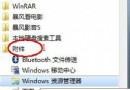
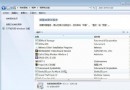
Win7安裝/啟動報錯「0xc000000e:應用程序丟失或損壞,文件\Windows\system32\winload.exe」,實為BCD引導配置數據損壞或設備路徑錯誤。進入PE環境執行bcdedit命令重建引導配置即可修復。
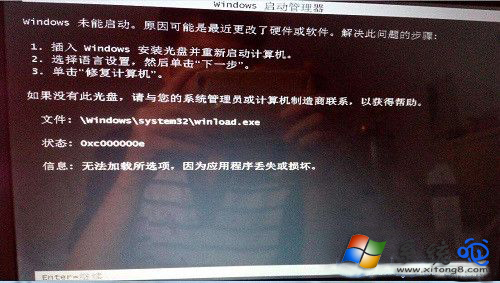
cd C:\Windows\System32
bcdedit /set {default} osdevice boot
bcdedit /set {default} device boot
bcdedit /set {default} detecthal 1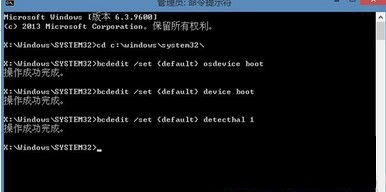
命令含義:
osdevice boot:指定作業系統設備為啟動分區device boot:指定Windows目錄設備為啟動分區detecthal 1:啟用硬件抽象層自動檢測重啟電腦拔除U盤,系統應能正常引導進入安裝續裝或桌面。若仍失敗,嘗試bootrec /fixmbr、bootrec /fixboot、bootrec /rebuildbcd完整修復MBR與BCD。