開啟 360 安全瀏覽器跳出「360se.exe 損壞的映像」,主因是系統 DLL 損毀或顯卡驅動檔 aticfx32.dll 異常。提供三種修復法:① CMD 批次註冊所有 System32 DLL;② 下載 aticfx32.dll 覆蓋系統檔;③ 重新安裝顯卡驅動(最徹底)。
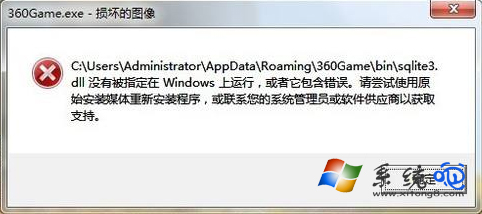
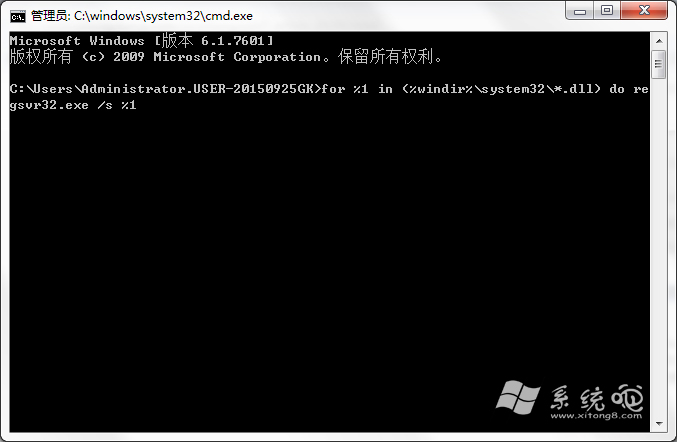
for %1 in (%windir%\system32\*.dll) do regsvr32.exe /s %1
以管理員身分開啟 CMD 執行上述指令,等待跑完重開機。
C:\Windows\System32C:\Windows\SysWOW64aticfx32.dll 屬 AMD 顯卡驅動元件,至官網下載最新驅動完整安裝最穩妥。
建議優先嘗試方法三,失效再嘗試方法一、二。