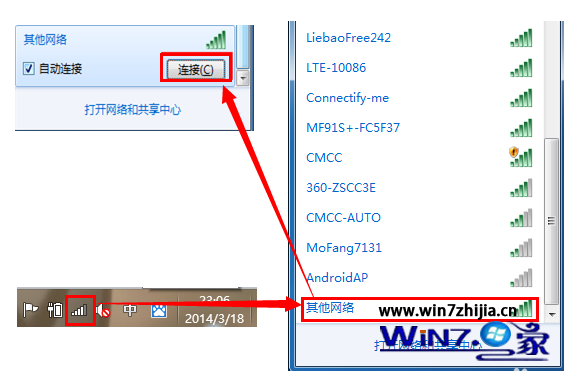
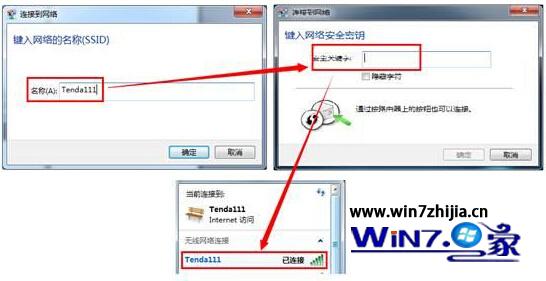
隱藏 SSID 僅防誤連,非安全機制;真正安全請啟用 WPA2-AES + 強密碼。
Win7 睡眠/離開模式被滑鼠誤喚醒?裝置管理員停用「允許喚醒電腦」
Win7 任務管理器無法開啟?透過群組原則啟用功能
Win7 網路斷斷續續、顯示「無網路存取」?手動設定靜態 IP 解決 DHCP 問題
Windows 7 螢幕保護程式設定五步驟完成
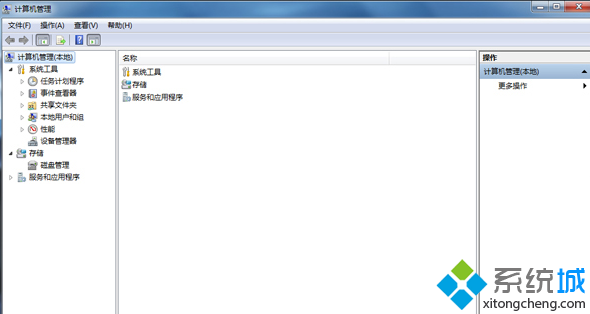
Win7 裝置管理員出現空白如何解決?
Win7 修改 hosts 檔案:必須以管理員身分執行記事本
Win7 禁止遠端存取登錄表路徑 防止駭客透過遠端登錄操作竊改系統設定
Windows 7 一鍵刪除所有系統還原點釋放磁碟空間