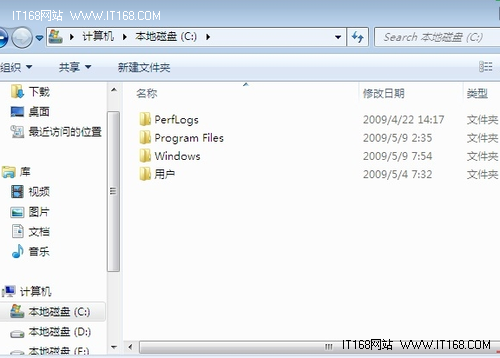
C:\Windows\Fonts
desktop.ini
desktop.ini.bak
[.ShellClassInfo]
UICLSID={BD84B380-8CA2-1069-AB1D-08000948F534}
嘗試下載字體轉換工具(如 TransType)轉檔,或改用相容版本字體;若皆無效,可能為系統字體快取損壞,需重建字體快取或重灌系統。
Win7「區域連線沒有有效的 IP 設定」完整排除指南
CSDN 評測:Windows 7 RC 十大功能特性與改進全解析
Windows 7 十大隱藏進階技巧:從磁碟重組到時區指令全掌握
Win7 工作管理器打不開?群組原則與登錄雙管齊下徹底修復
Win7 如何隱藏 Administrator 內建管理員帳號?登錄表設定提升安全性
64 位元 Windows 7 查看 DirectX 版本:dxdiag 指令一鍵搞定
Win7 切換雙顯卡黑屏?重啟+更新驅動雙管齊下
解決 Windows 7 IE8 上傳圖片附件顯示本地路徑問題