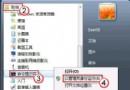
現象
Firefox 開啟含大量 Flash 的網頁時,瀏覽器凍結、CPU 飆高、出現「外掛程式已停止回應」。
方法一:啟用「點擊播放」
- 安裝 Flashblock 或類似擴充套件,阻止自動載入 Flash,需點擊才播放,大幅降低資源佔用。
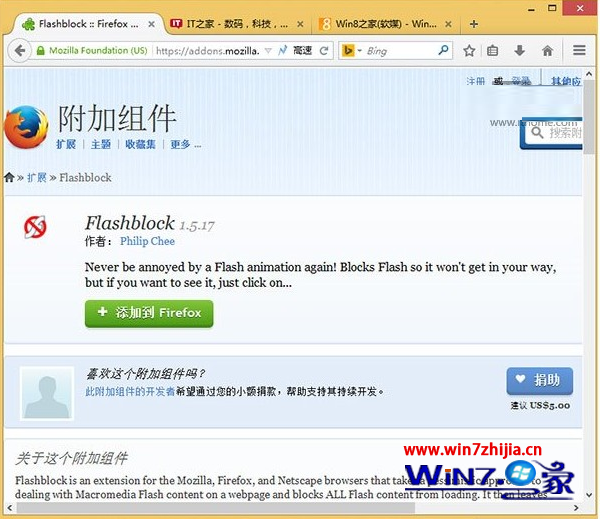
方法二:移除 Flash 沙箱 (Protected Mode)
- 安裝最新 Flash Player for Firefox (NPAPI 版)。
- 找到
mms.cfg:
32 位元:C:\Windows\System32\Macromed\Flash
64 位元:C:\Windows\SysWOW64\Macromed\Flash
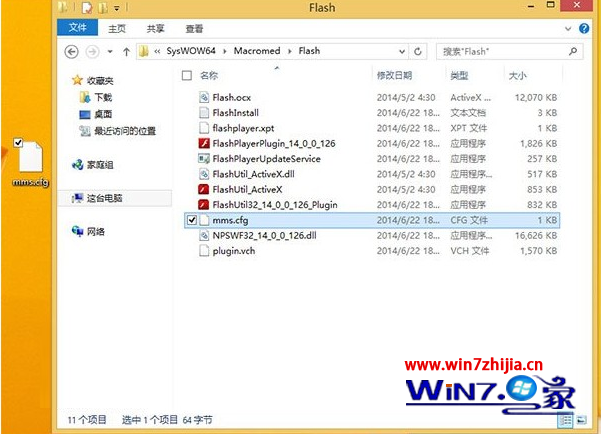
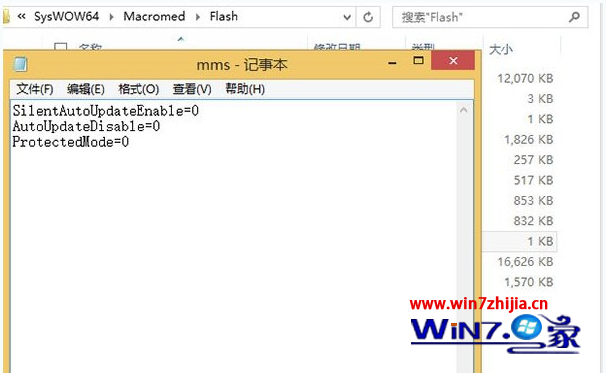
- 複製到非系統碟,記事本開啟,加入
ProtectedMode=0,存檔。
- 以系統管理員身分取代原檔 (需信任安裝者權限)。
原理:Flash 11.3+ 引入沙箱雖提升安全,但常與 Firefox 衝突導致假死;現代瀏覽器本身具惡意網址攔截,關閉沙箱風險可控。
方法三:切換 IE 核心渲染 Flash
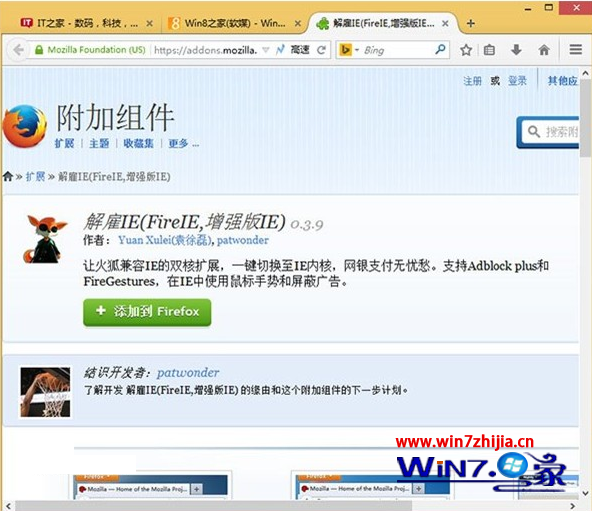
- 安裝 IE Tab 或 Fire IE 擴充套件,一鍵切換分頁使用 IE 內建 Flash Player (ActiveX),穩定度極高。
建議
優先用方法一 (點擊播放) 兼顧安全與效能;若特定網站必須自動播放,再嘗試方法二/三。