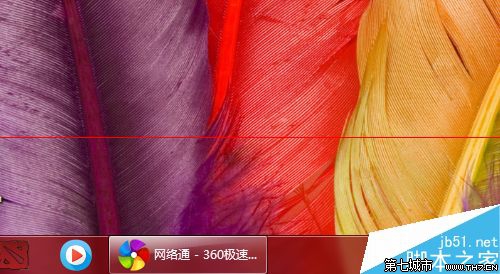
想讓螢幕更寬敞?啟用任務列自動隱藏並改用小圖示。
適合小螢幕筆電或追求極簡桌面的使用者。
Windows 7 為用戶與市場帶來哪些變革?
徹底禁止 Windows Messenger 隨 Outlook/開機自動執行:登錄 + 群組原則雙重封鎖
Win 7 市佔突破 5% 超越 Vista 前四個月總和
Win7 IE8/IE9 分頁瀏覽功能開啟/關閉設定教學
Win7 升級 Win10 後 Office 2013 檔案無法開啟?修復安裝或 icacls 指令修復權限
傳微軟將於 Q4 釋出 Windows 7 SP1:分析師建議延後以免影響銷售動能
Win7 使用調變解調器電話啟動啟用系統
Win7 字體顯示異常三大成因與解決方案