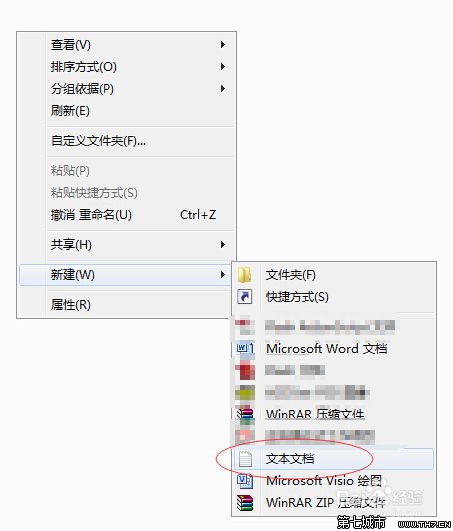
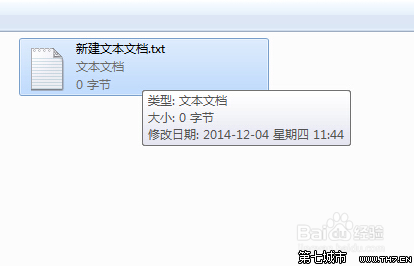
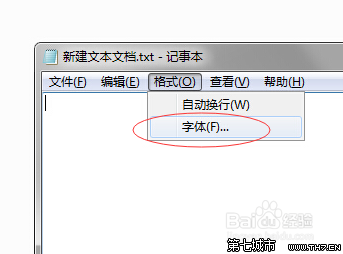
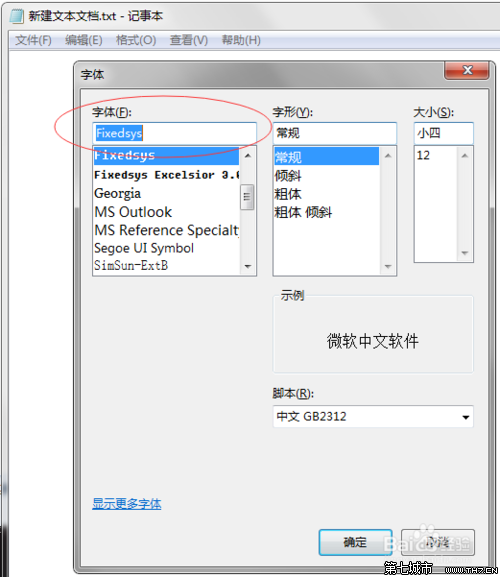
設定僅對當前視窗有效,永久生效需改登錄檔或換編輯器。
微軟宣布:Windows 7 開機動畫不支援用戶自訂,安全與效能優先
Windows 7 更新補丁安裝失敗/無法安裝六大解決步驟:記錄 KB 號、手動下載、依錯誤代碼排查、安全模式/清理啟動、SFC 修復系統檔、官方系統更新備妥工具
Windows 7 防火牆無法啟動/推薦配置無響應?註冊表權限修復圖文教程
Windows 7 縮短程式回應逾時:修改 WaitToKillAppTimeout 登錄值
Win7 清除檔案總管搜尋記錄四大法:魔方、手動 Del、登錄檔、群組原則
Windows 7 的真正價值:微軟生態系的變革與突圍
Win7 放大鏡完整操作指南:全螢幕/鏡頭/停駐/反色四大模式、快速鍵大全、即時跟隨滑鼠
善用微軟 SkyDrive 雲端硬碟擴展 Win 7 儲存空間:25GB 免費、自動同步、資料不遺失