Windows XP Windows 7 Windows 2003 Windows Vista Windows 綜合教學 Linux 系統教學
Windows 10 Windows 8 Windows 2008 Windows NT Windows Server 電腦軟體教學

Win7 清除檔案總管搜尋記錄四大法:魔方、手動 Del、登錄檔、群組原則

編輯:Windows 7 系統介紹

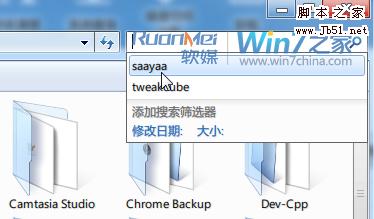
資料夾右上角搜尋框會記住所有關鍵字,隱私外洩風險高。四種清除法各有優缺:

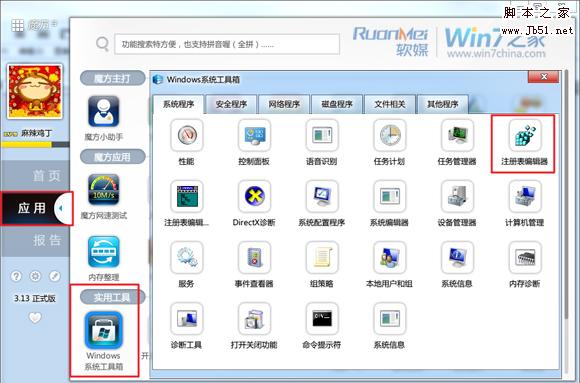
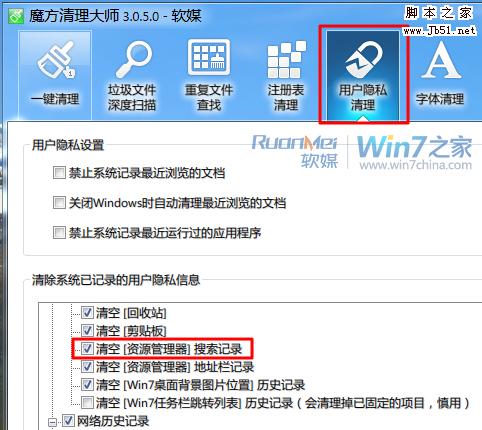
1. 魔方優化大師「使用者隱私清理」

勾選「清空資源管理員搜尋記錄」 → 執行清理,最簡單徹底。

2. 手動逐筆刪除

點擊搜尋框 → 滑鼠指向要刪的記錄(別點擊) → 按 Delete 鍵 → 一個個刪,繁瑣但可選擇性保留。

3. 登錄檔一次清空

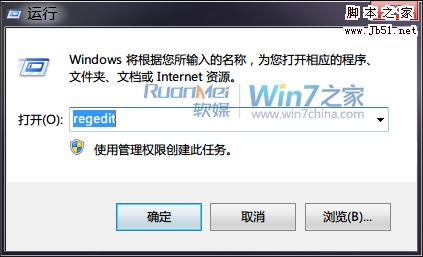
  1. Win+R 輸入 regedit。
  2. 定位 HKEY_CURRENT_USER\Software\Microsoft\Windows\CurrentVersion\Explorer\WordWheelQuery。
  3. 右側窗格刪除除 MRUListEx 外的所有值。

4. 群組原則關閉顯示(一勞永逸但記錄仍存)

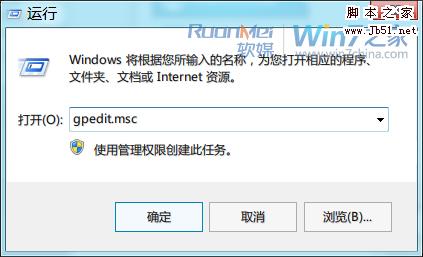
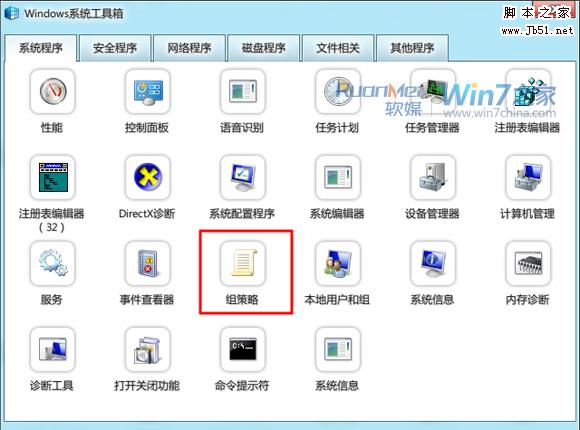
  1. Win+R 輸入 gpedit.msc。
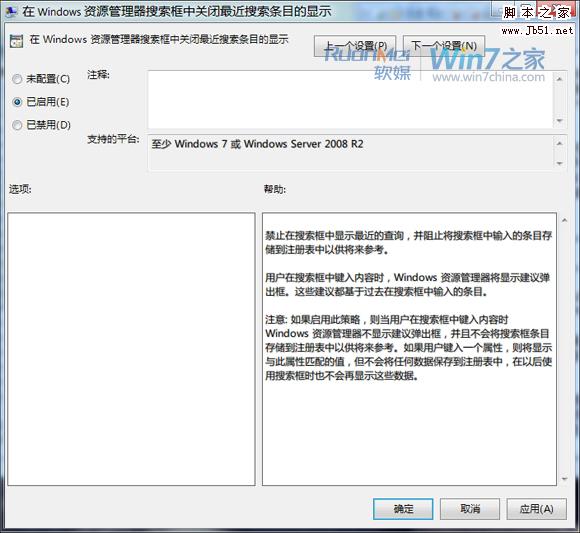
  2. 使用者設定 → 系統管理範本 → Windows 元件 → Windows 檔案總管 → 「在 Windows 檔案總管搜尋框中關閉最近搜尋項目的顯示」 → 啟用。

總結:要徹底刪除記錄用魔方或登錄檔;要永遠不顯示用群組原則(但記錄實際仍在硬碟);手動刪除適合少量選擇性清理。
Copyright © Windows教程網 All Rights Reserved